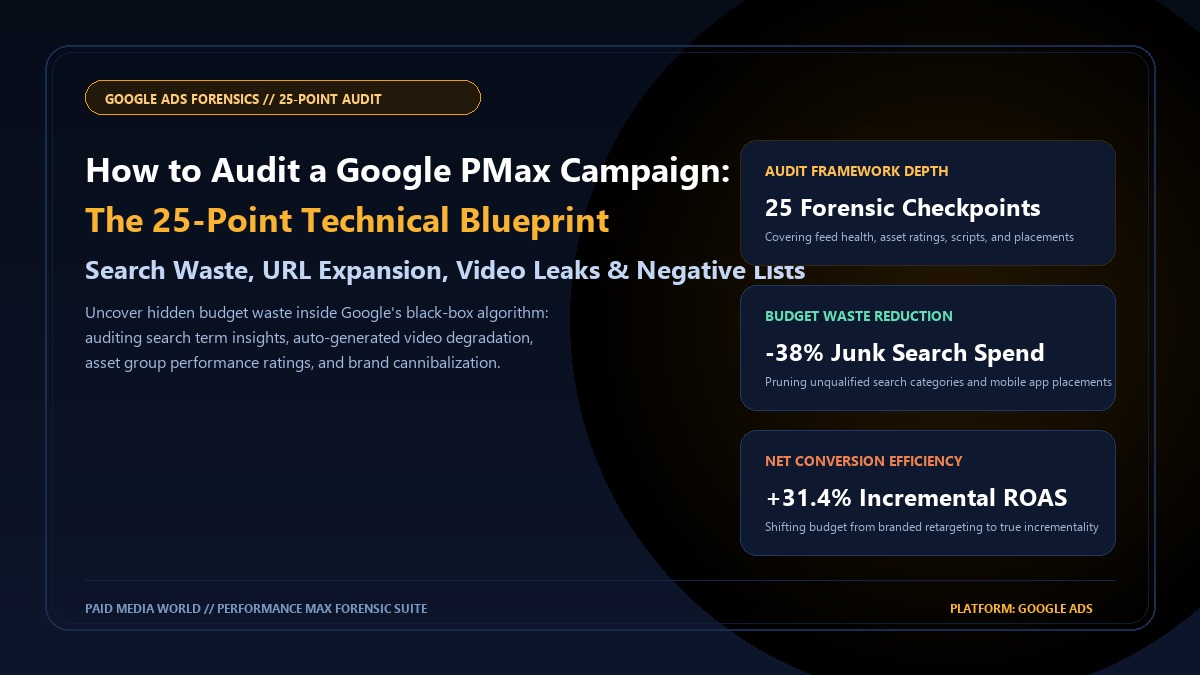
Google Performance Max (PMax) represents the pinnacle of automated algorithmic media buying across Google's entire ad inventory: Search, Shopping, YouTube, Display, Discover, Gmail, and Google Maps. However, treating PMax as a "set-and-forget" revenue engine is the single most expensive mistake an e-commerce or lead generation brand can make. By default, Google’s automated bidding algorithms optimize for path-of-least-resistance conversions: claiming cheap credit on branded navigational search queries, bidding on unqualified junk search categories, spending display budget on bot-infested mobile gaming apps, and auto-generating embarrassing low-resolution slide-show videos that compromise brand equity. Conducting a forensic, quantitative 25-Point Performance Max Audit peels back Google's "black box" architecture to eliminate non-incremental spend, reclaim brand hygiene, and force the Smart Bidding engine to deliver true incremental revenue. This comprehensive technical guide details the exact 25-point audit blueprint used by senior performance directors.
Table of Contents
- 1. Pillar I: Account-Level Negatives & Brand Exclusion Hygiene
- 2. Pillar II: Final URL Expansion & Page Feed Architecture
- 3. Pillar III: Asset Group Granularity & Quality Score Ratings
- 4. Pillar IV: YouTube Video Auto-Generation & Display Leaks
- 5. Pillar V: Search Term Insights & PMax Channel Allocation Scripts
- 6. Pillar VI: Google Merchant Center (GMC) Feed Diagnostics
- 7. The 25-Point Forensic Audit Scorecard & Action Matrix
- The Brand Cannibalization Trap: Unless an explicit Brand Exclusion List is applied, PMax frequently allocates 40%–60% of its budget to bidding on your existing brand terms, inflating reported ROAS while generating zero net new customers.
- The Video Auto-Generation Degradation: If you do not upload dedicated horizontal (16:9), vertical (9:16), and square (1:1) video assets, Google's algorithm automatically stitches together your static product images and text copy into low-quality video ads, serving them on junk YouTube and mobile app placements.
- Final URL Expansion Waste: Leaving Final URL Expansion enabled allows Google to route ad traffic to privacy policy pages, blog posts, terms of service, and out-of-stock category pages, burning up to 18% of click budget on non-converting URLs.
- Channel Allocation Transparency: Google hides the exact budget breakdown between Search, Shopping, YouTube, and Display within standard PMax UI reports. Running open-source Google Ads API scripts exposes the exact dollar allocation across channels.
1. Pillar I: Account-Level Negatives & Brand Exclusion Hygiene
The first phase of any forensic PMax audit is verifying whether the campaign is genuinely capturing incremental market share or simply taking credit for organic demand. Audit these 4 foundational checkpoints:
- Check 1: Brand Exclusion List Applied: Verify that an official Brand List (configured under Tools & Settings > Shared Library > Brand Lists) is attached to the PMax campaign. This forces PMax to exclude your exact brand name and common misspellings from Search and Shopping auctions.
- Check 2: Dedicated Standard Brand Search Campaign Active: Ensure a standalone manual or tImpression Share Search campaign is running to defend branded search queries with 100% impression share, lower CPCs, and custom promotional sitelinks.
- Check 3: Account-Level Negative Keyword List (1,000+ terms): Inspect Account Settings > Negative Keywords. Confirm global exclusions for non-commercial queries (e.g. "free", "crack", "jobs", "careers", "login", "portal", "support phone number", "wholesale supplier").
- Check 4: Competitor Trademark Cross-Contamination: Review whether PMax is bidding aggressively on competitor brand terms without high-converting dedicated competitor landing pages.
2. Pillar II: Final URL Expansion & Page Feed Architecture
Google’s "Final URL Expansion" is essentially Dynamic Search Ads (DSA) built into PMax. When enabled, Google replaces your provided landing page with any URL on your domain that its crawler deems relevant to a user search query.
Audit Protocol: Final URL Expansion Decision Matrix
High danger of budget waste. Audit the Landing Pages report in PMax. If you observe clicks routed to /about-us, /careers, /shipping-policy, or out-of-stock items, immediately switch this setting to OFF or apply strict URL exclusion rules.
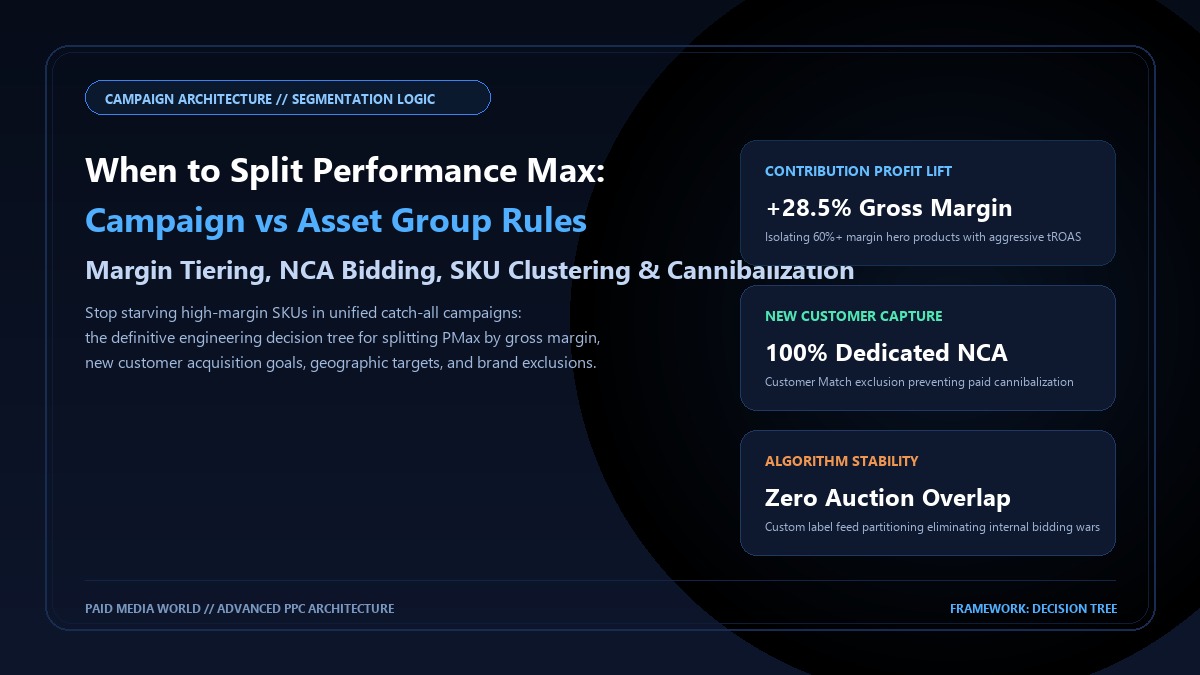
The optimal enterprise setup: Final URL Expansion is enabled, but restricted strictly to a dedicated Custom Page Feed containing only high-converting, in-stock top category and product landing pages.
3. Pillar III: Asset Group Granularity & Quality Score Ratings
PMax Asset Groups function like ad groups, pairing creative assets (headlines, long headlines, descriptions, images, logos, and videos) with specific product listing groups and Audience Signals.
- Check 5: Asset Group Ad Strength $\ge$ "Good" or "Excellent": Review the Ad Strength score. Asset groups rated "Poor" or "Average" suffer from auction deprioritization and higher effective CPMs.
- Check 6: Maximized Asset Limits: Confirm all 15 images (landscape 1.91:1, square 1:1, portrait 4:5), 5 logos, 5 headlines (30 chars), 5 long headlines (90 chars), and 4 descriptions (including 1 under 60 chars) are fully populated.
- Check 7: Prune "Low" Performing Individual Assets: Navigate to Asset Group > View Details. Identify assets flagged with a "Low" rating over the past 30 days and replace them with new messaging variations. Keep assets rated "Good" and "Best".
- Check 8: Audience Signal Quality (First-Party Customer Match): Ensure every asset group has an Audience Signal containing verified First-Party Data: past 180-day customer lists, high-LTV purchasers, and custom search intent segments (users who searched for your top 10 commercial keywords).
4. Pillar IV: YouTube Video Auto-Generation & Display Leaks
If you do not manually upload video assets to your PMax asset groups, Google will programmatically generate a video on your behalf using your uploaded still images, logo, and text headlines. These auto-generated videos are notoriously robotic, low-quality, and poorly formatted.
| Video Format Required | Aspect Ratio | Primary Inventory Channel | Audit Standard |
|---|---|---|---|
| Horizontal In-Stream | 16:9 (1920x1080) | YouTube Desktop, Connected TV (CTV) | Mandatory (Min 1 native asset) |
| Vertical Shorts | 9:16 (1080x1920) | YouTube Shorts, Mobile Fullscreen | Mandatory (Min 1 native asset) |
| Square In-Feed | 1:1 (1080x1080) | Discover Feed, Gmail, YouTube Mobile | Mandatory (Min 1 native asset) |
5. Pillar V: Search Term Insights & PMax Channel Allocation Scripts
One of the primary frustrations with PMax is the lack of transparent channel spend reporting. In standard reports, Google bundles Search, Shopping, YouTube, and Display into a single cost metric. To uncover the true spend breakdown, execute the industry-standard Mike Rhodes PMax Spend Allocation Script (v24+):
// Open-Source PMax Spend Allocation Script Snippet (Mike Rhodes / Agency Standard)
function main() {
  const query = `
    SELECT
      campaign.name,
      campaign_search_term_insight.category_label,
      metrics.clicks,
      metrics.conversions,
      metrics.conversions_value,
      metrics.cost_micros
    FROM campaign_search_term_insight
    WHERE segments.date DURING LAST_30_DAYS
  `;
  const report = AdsApp.search(query);
  while (report.hasNext()) {
    let row = report.next();
    let spend = row.metrics.costMicros / 1000000;
    Logger.log(`${row.campaign.name} | Category: ${row.campaignSearchTermInsight.categoryLabel} | Spend: $${spend.toFixed(2)}`);
  }
}
Analyzing script outputs often reveals that Display and Video inventory accounts for 25% to 45% of total spend while contributing less than 6% of verified conversion value. Identifying this allocation imbalance provides the rationale to tighten bidding targets or split campaigns.
6. Pillar VI: Google Merchant Center (GMC) Feed Diagnostics
For e-commerce retailers, PMax Shopping revenue is completely dependent on Merchant Center product feed health. Inspect these 5 feed checkpoints:
- Check 15: Zero Critical Product Disapprovals: Audit GMC Diagnostics tab for policy violations, missing GTIN/MPN identifiers, price/availability crawl mismatches, and broken image URLs.
- Check 16: Custom Label Margin Tiering: Confirm `custom_label_0` or `custom_label_1` is populated with gross margin data (`High_Margin_50Plus`, `Medium_Margin_30To50`, `Low_Margin_Under30`) to facilitate campaign budget segmentation.
- Check 17: Optimized Product Titles: Ensure product titles follow algorithmic SEO architecture: `Brand + Model / Gender + Primary Keyword + Material / Color + Size / Quantity`.
- Check 18: Supplementary Feeds for Promotional Overlays: Verify active supplementary feeds supplying `sale_price` and promotional sale badges during seasonal events.
7. The 25-Point Forensic Audit Scorecard & Action Matrix
| # | Audit Checkpoint | Pillar | Benchmark / Passing Standard | Severity |
|---|---|---|---|---|
| 01 | Brand Exclusion List | Brand Safety | Active (100% Brand Excluded) | Critical |
| 02 | Standard Brand Search Protection | Brand Safety | > 90% Impression Share on Brand | Critical |
| 03 | Account Negative Keyword List | Brand Safety | ≥ 500 Global Irrelevant Negatives | High |
| 04 | Final URL Expansion Mode | Landing Page | Off OR Page-Feed Restricted | High |
| 05 | Asset Group Ad Strength | Creative | Good or Excellent across all groups | Medium |
| 06 | Headline & Description Max | Creative | 100% Assets Populated | Medium |
| 07 | Pruning "Low" Asset Ratings | Creative | 0 Assets with "Low" > 30 Days | Medium |
| 08 | Dedicated 16:9 Video Asset | Video | Native video uploaded (No auto-gen) | Critical |
| 09 | Dedicated 9:16 Shorts Asset | Video | Native Shorts video uploaded | High |
| 10 | First-Party Customer Match | Audience | Updated < 30 days, Match Rate > 65% | High |
| 11 | Search Themes Signals | Audience | 10–25 Commercial Query Themes | Medium |
| 12 | Mobile App Placement Exclusions | Placements | 140+ Game/App Categories Excluded | High |
| 13 | Bidding Target Feasibility | Bidding | tROAS within 15% of historical actual | Critical |
| 14 | Bid Strategy Budget Headroom | Bidding | Daily Budget ≥ 10x target CPA | High |
| 15 | GMC Feed Health Diagnostics | Feed | 0 Critical Account or Item Disapprovals | Critical |
| 16 | Custom Label Margin Tagging | Feed | Active margin tiers on all SKUs | High |
| 17 | New Customer Acquisition (NCA) | Bidding | NCA mode active with proper customer list | Medium |
| 18 | Conversion Goal Cleanliness | Tracking | 1 Primary Conversion Action (Purchase/Lead) | Critical |
| 19 | Enhanced Conversions Setup | Tracking | Verified Active in Conversion Summary | High |
| 20 | Channel Spend Allocation Script | Reporting | Mike Rhodes Script reporting weekly | Medium |
| 21 | Location Settings (Presence Only) | Targeting | "Presence: People in or regularly in" | High |
| 22 | Product Title Optimization | Feed | Keywords front-loaded in GMC titles | Medium |
| 23 | Ad Extensions / Assets Attached | Creative | Sitelinks, Callouts, Structured Snippets | Medium |
| 24 | Seasonality Bid Adjustments | Bidding | Scheduled for major sales (> 30% CVR spikes) | Low |
| 25 | Conversion Value Rules (Location/Device) | Bidding | Configured if higher-tier markets yield +AOV | Low |
Get a Forensic Performance Max & Google Ads Audit
Paid Media World performs 25-point quantitative forensic audits of Google Ads and Performance Max accounts. Uncover hidden search leaks, eliminate brand cannibalization, and engineer incremental ROAS.