
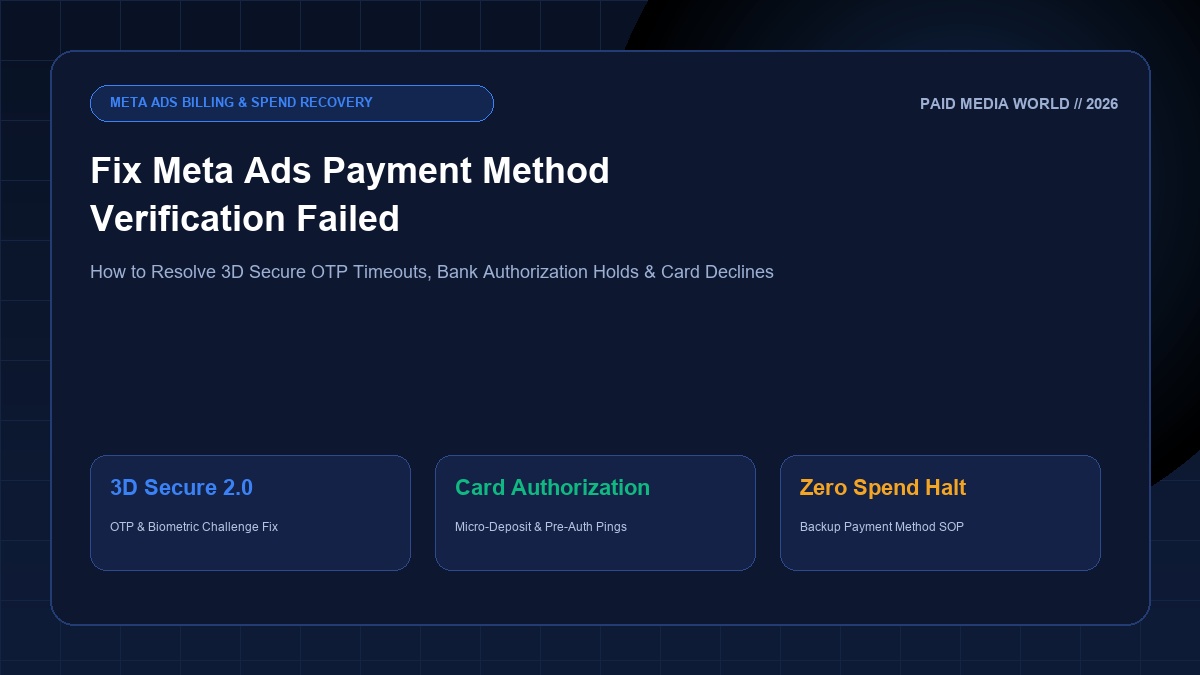
Few operational roadblocks are as frustrating for digital advertisers as encountering the error: "Payment method verification failed" or "We couldn't verify your card. Please check your details and try again." In Meta Ads Manager, a payment verification failure does not simply pause a single ad set; it triggers an account-wide billing threshold lock, suspends ad delivery, and knocks high-converting campaigns out of the machine learning phase. In 2026, with the universal enforcement of 3D Secure 2.0 (3DS2), biometric banking verification, and strict cross-border merchant compliance, understanding how to diagnose and resolve payment verification failures is vital for maintaining uninterrupted ad spend.
Executive Summary: The 4 Primary Root Causes & Fast Fixes
Meta verifies new credit and debit cards by initiating a temporary pre-authorization hold ($1.00 USD, 1.00 EUR, or 2.00 INR) combined with an automated 3D Secure challenge. If your bank declines the micro-charge, if pop-up blockers suppress the OTP iframe, or if international e-commerce is disabled, Meta immediately flags the card as failed.
1. How Meta's Card Verification Pipeline Operates
When you input credit or debit card credentials inside Meta Business Suite or Ads Manager (Billing & Payments > Payment Methods > Add Payment Method), Meta executes an automated 3-stage validation handshake:
- BIN & Card Network Validation: Meta queries the Bank Identification Number (BIN) to verify whether the card is Credit, Debit, or Prepaid, and confirms that it was issued by an authorized network (Visa, Mastercard, American Express, Discover, or RuPay).
- Temporary Authorization Hold (Pre-Auth): Meta sends a zero-dollar ($0.00) or micro-hold ($1.00 USD / INR 2.00) authorization request to your card issuer under the merchant descriptor
FACEBK *ADSorMETA PLATFORMS IRELAND. This transaction is immediately reversed within 3-5 business days. - 3D Secure 2.0 (3DS2) Authentication: Meta's payment gateway triggers an encrypted inline iframe connecting directly to your bank's authentication server. You are prompted to complete a one-time password (OTP) verification sent via SMS or approve a push notification inside your mobile banking app.
If any single step in this sequence encounters a latency timeout, a network rejection, or an unverified billing mismatch, the verification process terminates and Meta marks the card with a "Verification Failed" status.
2. Common Meta Ads Billing Error Codes & What They Mean
Inspecting the specific error code displayed in Meta Ads Manager reveals the exact failure point:
- Error 1885260 (Payment Method Blocked): The payment card was used in a previously disabled Meta ad account or flagged for excessive chargebacks. Meta's risk engine maintains a persistent block on the card hash.
- Error 1815010 (Bank Authorization Decline): Your issuing bank explicitly rejected Meta's pre-authorization hold. The decline code returned by the bank is typically "Do Not Honor" or "Suspected Fraud".
- Error 1353046 (3D Secure Authentication Timeout): The user failed to enter the SMS OTP within the 5-minute session window, or an ad-blocker prevented the verification dialog from rendering.
- Card Not Supported for Automatic Payments: In certain regions (notably India), debit cards that do not support RBI-compliant recurring e-mandates cannot be used for post-paid threshold billing and can only be used for manual prepaid balance top-ups.
3. The Step-by-Step Protocol to Fix Verification Failures
Step 1: Check Your Mobile Banking App Settings
Modern consumer and business banking apps (Chase, Capital One, HDFC, ICICI, Barclays, Revolut) feature security toggles that default to "Disabled" for foreign transactions. Open your banking app and verify:
- International Transactions: Enabled.
- Online / E-Commerce Usage: Enabled.
- Card Transaction Limit: Ensure the daily online limit is set well above your expected ad spend threshold.
- Tokenization & Recurring Payments: Enabled (critical for automatic ad billing).
Step 2: Clear Browser Cache or Use Incognito Mode
Browser extensions like uBlock Origin, Privacy Badger, or Brave Shields frequently misidentify Meta's 3D Secure bank iframe as a third-party tracking widget and terminate the connection before the OTP screen renders. Open an Incognito window in Google Chrome, log into Meta Business Manager, and attempt the card verification without any active extensions.
Step 3: Call Your Issuing Bank's Fraud Authorization Desk
Call the phone number on the back of your credit card. Specifically ask to speak with the Fraud & Risk Authorizations Department. Tell the agent:
Step 4: Establish a Secondary Backup Payment Method
Never rely on a single payment card for business advertising. In Meta Business Manager under Billing & Payments > Payment Methods, assign a primary commercial credit card and add a verified backup card (or verified PayPal account). If your primary card ever hits a temporary spending limit, Meta automatically charges the backup method, preventing your active ads from shutting down.
4. What NOT to Do (Avoid the 24-Hour Account Freeze)
If your card verification fails twice, STOP immediately. Repeatedly submitting the same declined card 4 or 5 times within an hour triggers an automated financial fraud freeze on your ad account. Meta's security system will lock your billing settings for 24 to 48 hours, blocking all new payment methods regardless of validity.
5. Commercial Virtual Cards: Which Ones Work on Meta Ads in 2026?
Many performance agencies deploy commercial virtual cards to manage client spend and prevent overage charges. However, Meta blocks low-tier consumer virtual cards (such as non-reloadable gift cards). Reliable corporate virtual cards fully verified for Meta Ads in 2026 include:
- Ramp & Brex (United States): Enterprise corporate cards with full 3DS2 support and zero foreign transaction fees.
- Aspire & Volopay (APAC & Southeast Asia): Purpose-built for multi-currency marketing spend.
- Payoneer Commercial Mastercard: Widely accepted across global Meta ad accounts with direct USD balance settlement.
- Review our audited guide to the Best Business Credit Cards for Ad Spend for optimal cashback, credit limits, and FX rates.
Protect & Scale Your Meta Advertising Operations
If your account was disabled due to repeated payment failures, follow our step-by-step Facebook Ad Account Recovery Guide. Check real-world acquisition costs in our Facebook Ads Cost Benchmarks Guide, and use our free Keyword Match Type Tool to prepare cross-channel search campaigns.