In Google Ads management, few metrics reveal the hidden financial health of your campaigns quite like Search Impression Share (SIS). When a profitable search campaign plateaus or begins losing volume, novice media buyers instinctively raise bids or add hundreds of unvetted broad-match keywords. Senior practitioners do the exact opposite: they open the competitive metrics column set and dissect the mathematical balance between Search Lost IS (Budget) and Search Lost IS (Rank). Understanding which of these two auction bottlenecks is choking your account is the difference between blindly burning ad spend and capturing thousands of high-intent conversions left on the table by competitors.
The 100% Impression Share Equation
- The Fundamental Formula:
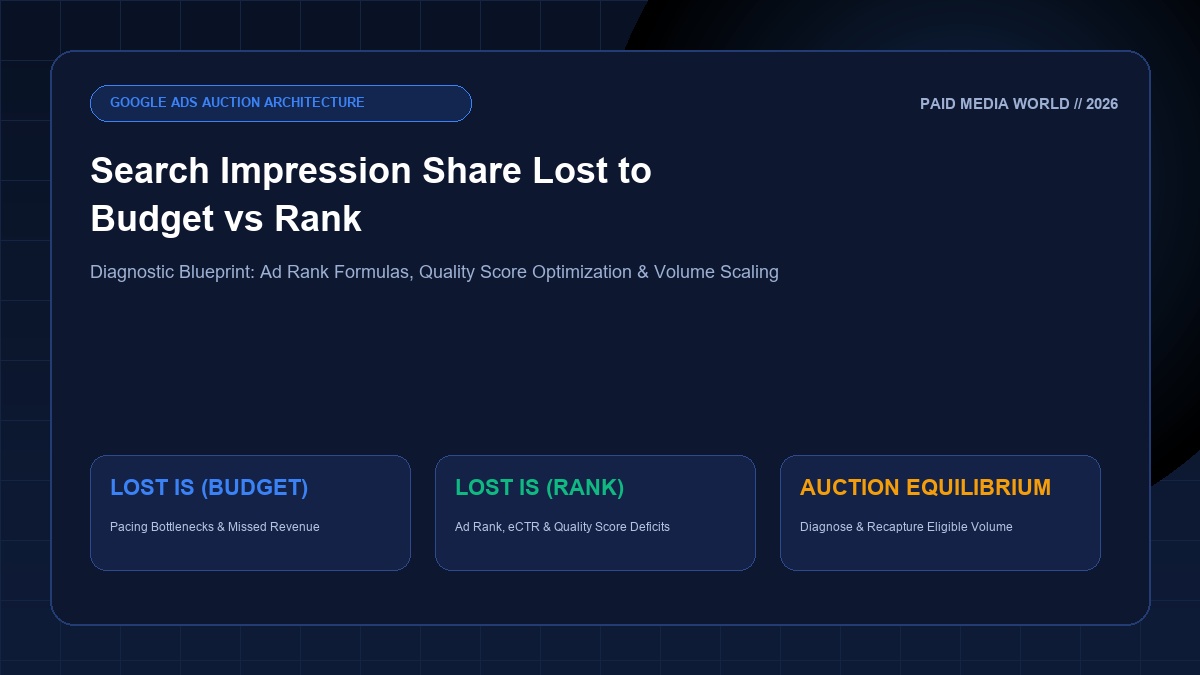
100% = Search Impression Share + Search Lost IS (Budget) + Search Lost IS (Rank). - Search Lost IS (Budget): Measures impressions missed because your campaign ran out of daily budget or Google paced spend too conservatively. Fix: Scale daily budgets, tighten geo-targeting, or implement dayparting.
- Search Lost IS (Rank): Measures impressions missed because your Ad Rank (Bid x Quality Score + Asset Impact) was lower than competing advertisers. Fix: Improve Expected CTR, refine ad relevance, and adjust Smart Bidding targets.
- Top vs. Absolute Top IS: Top IS indicates appearances anywhere above organic results; Absolute Top IS indicates appearance in the coveted #1 position.
1. The Mathematics of Search Impression Share
Search Impression Share (SIS) is the percentage of total eligible impressions that your ads actually received:
Google calculates "eligibility" using your current campaign targeting settings, keyword match types, location parameters, and approval statuses. If 10,000 searches occurred that matched your targeting, and your ads showed 6,000 times, your Search Impression Share is 60%.
The remaining 40% of missed searches is split between two mutually exclusive buckets:
Your ad had a high enough Ad Rank to show, but Google throttled your delivery because your daily budget cap was reached or was pacing to exhaust before midnight. Available only at the Campaign level.
Your campaign had plenty of budget available, but your ad was rejected from the auction or relegated to the bottom of the page because competitor ads had superior Ad Rank. Available at Campaign, Ad Group, and Keyword levels.
2. The Diagnostic Matrix: 4 Strategic Scenarios
To diagnose your account health, add these columns to your Google Ads interface (Columns → Competitive Metrics): Search Impr. share, Search lost IS (budget), and Search lost IS (rank).
| Diagnostic Profile | Lost IS (Budget) | Lost IS (Rank) | Account Reality | Immediate Prescription |
|---|---|---|---|---|
| Scenario 1: Pure Scale Opportunity | > 30% | < 15% | High Quality Score & strong bids, but starving for cash. Highly profitable campaigns leaving money on the table. | Increase daily budget immediately by 15% to 20%; protect with our Budget Pacing Tracker. |
| Scenario 2: Ad Rank & Quality Crisis | < 10% | > 40% | Budget is not the issue. Ads have poor CTR, weak relevance, or unrealistic Smart Bidding targets (tCPA/tROAS). | Loosen bid targets by 10%; rewrite headlines with our RSA Copy Templates. |
| Scenario 3: Severe Under-Optimization | > 25% | > 35% | The worst of both worlds. Account is underfunded and ad quality is failing. High CPA, volatile performance. | Do not add budget! Narrow targeting, pause underperforming keywords, and audit via 40-Point PPC Audit. |
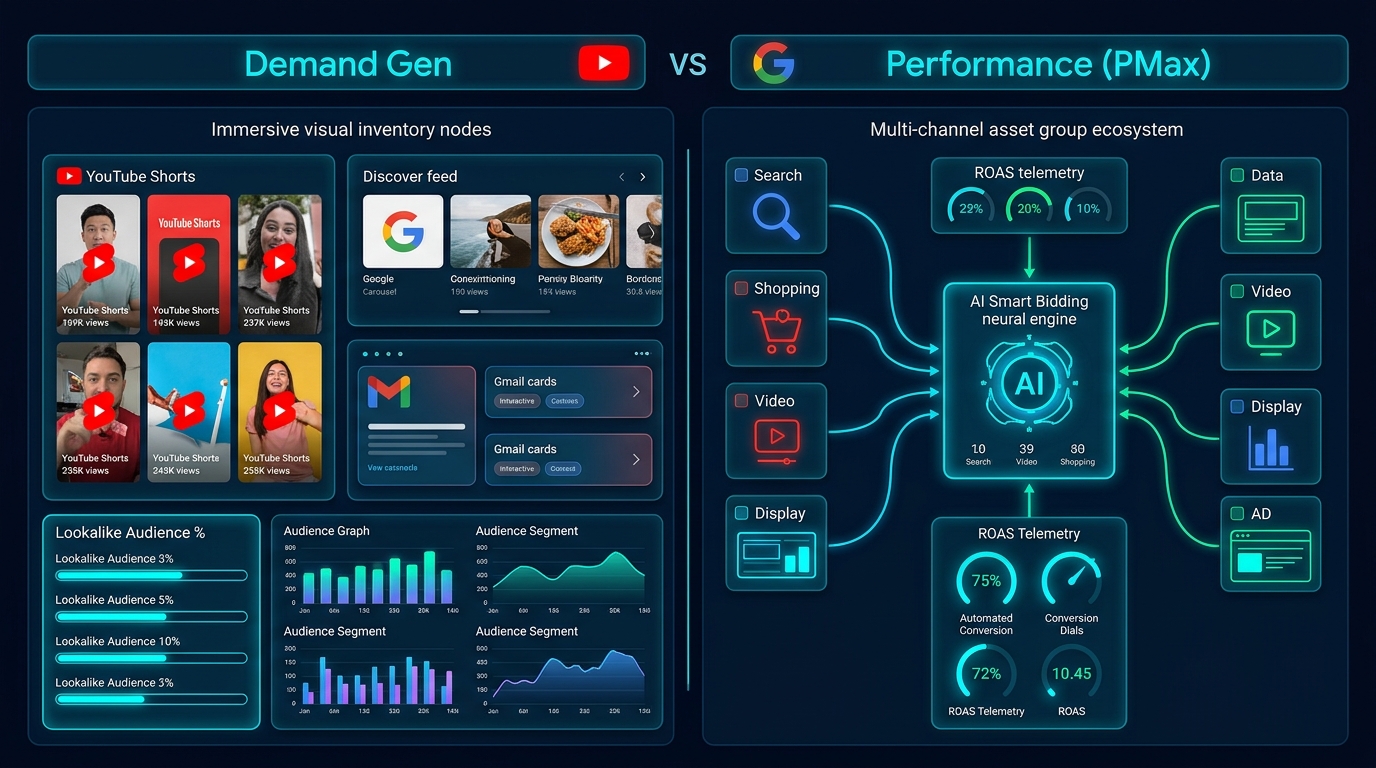
| Scenario 4: Market Saturation / Dominance | < 5% | < 10% | You capture >85% of all searches. Diminishing returns if you push further. Auction equilibrium achieved. | Maintain efficiency; expand into Demand Gen, YouTube, or Performance Max channels. |
3. How to Fix Search Lost IS (Budget)
When your campaigns have low CPA and high ROAS, but Search Lost IS (Budget) exceeds 20%, Google is literally telling you: "You are leaving qualified customers on the table every single day."
Here is the step-by-step scaling framework:
1. Incremental Budget Scaling (The 20% Rule)
Never double your daily budget overnight. Aggressive budget jumps shock Google's bidding algorithm, forcing the campaign back into the volatile learning phase. Increase daily budgets by 15% to 20% every 72 hours, observing CPA stabilization before the next increase.
2. Dayparting & Ad Scheduling Concentration
If client budget is strictly capped and cannot be increased, navigate to Ad Schedule. Identify low-converting hours (e.g., 1:00 AM to 5:00 AM) and apply negative bid adjustments or pause delivery during those windows. Concentrating your finite budget during peak purchasing hours recovers valuable impression share during high-intent windows.
3. Geographic Trimming
Analyze the Locations tab. In most accounts, 20% of states or metro areas generate 80% of sales. Exclude low-converting or high-CPA regions to channel budget exclusively into your top-performing zip codes.
4. Eliminating Junk Search Queries with Negative Keywords
A campaign often runs out of daily budget at 2:00 PM because broad-match keywords absorbed clicks on irrelevant search queries. Clean out wasteful spend immediately by importing our master 500+ Negative Keyword List and formatting exact match phrases using the Keyword Match Type Tool.
4. How to Fix Search Lost IS (Rank)
Fixing Search Lost IS (Rank) requires deconstructing Google's real-time auction engine. Google determines ad rank in every single auction using this formula:
The 3 Levers to Recover Lost IS (Rank)
Google compares your CTR against the average CTR of all other advertisers bidding on that keyword. Lift expected CTR by using dynamic keyword insertion (DKI), emotional hooks, and our proven 30 RSA Copywriting Templates.
Ensure your primary keyword appears explicitly in Headline 1. Use tight Single-Theme Ad Groups (STAGs) rather than dumping 50 disparate keywords into a single ad group.
Align landing page H1 headline directly with the search query. Maintain fast Core Web Vitals (LCP < 2.5s) and zero intrusive popups that increase bounce rates.
Smart Bidding Target Recalibration
If your Quality Scores are already 8/10 or 9/10, high Search Lost IS (Rank) usually indicates an overly restrictive Target CPA or Target ROAS setting. If you set a $30 tCPA in an industry where average click costs are $15, Google's algorithm knows it cannot win auctions at a 50% conversion rate, so it simply bows out of the auction. Loosen your Target ROAS by 15% to 20% to allow the algorithm to bid aggressively on high-intent search queries.
5. Top IS vs. Absolute Top IS: Position Diagnostics
Not all impressions are created equal. Appearing at the bottom of the page (below 10 organic search results) counts toward your Impression Share, but delivers a microscopic 0.5% CTR.
Search Top IS (Above Organic)
The percentage of impressions where your ad appeared anywhere above the organic search results (positions 1 through 4). Target benchmark: > 70% for core commercial terms.
Search Absolute Top IS (The #1 Spot)
The percentage of impressions where your ad was the very first ad displayed at the top of the page. Crucial for high-urgency emergency services (e.g., plumbers, locksmiths, urgent care) and branded defense campaigns. Target benchmark: > 40%.
6. Integrating Your Impression Share Strategy with PMW Tools
Maximizing auction capture requires holistic performance marketing infrastructure. Connect your impression share diagnostics with our free practitioner tools:
Budget Pacing Tracker
Protect your accounts from daily 2x overdelivery surges with our automated Google Sheets pacing model.
Open Pacing Sheet →Keyword Match Type Tool
Convert broad keyword lists into exact match and negative match syntax to eliminate wasted ad spend.
Use Match Type Tool →40-Point PPC Audit Checklist
Audit bidding targets, Quality Score distribution, negative lists, and impression share hygiene.
View Audit Checklist →Recapture Your Lost Search Auction Market Share
Winning on Google Ads does not require spending more money than your competitors—it requires smarter auction mechanics. Implement these competitive metrics diagnostics today, eliminate Search Lost IS, and dominate your search category.