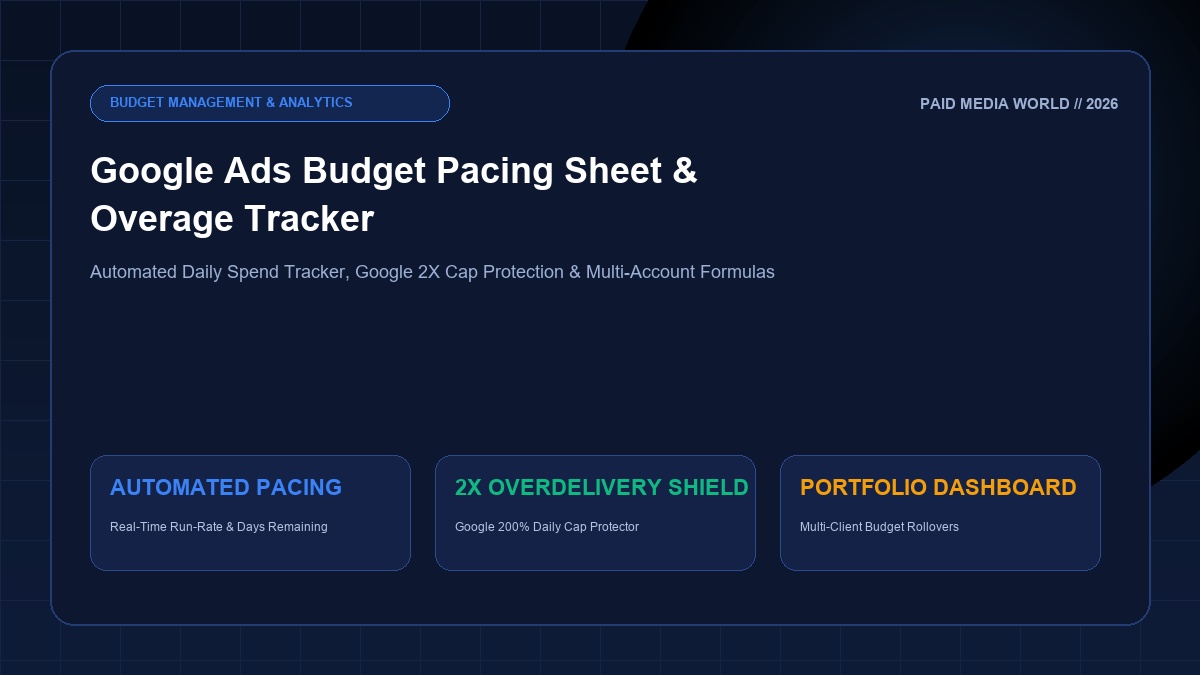
Managing paid advertising budgets across Google Ads requires mathematical precision. Nothing destroys client trust or executive confidence faster than burning through a monthly marketing budget by day 20, or conversely, underspending by 35% and failing to hit quarterly revenue targets. In 2026, Google's algorithmic bidding, automated seasonality adjustments, and the infamous 200% daily overdelivery mechanism make manual budget tracking a recipe for disaster. This guide delivers a free, battle-tested Google Ads Budget Pacing Sheet template for Google Sheets, the exact formulas performance marketers use to model daily run-rates, and an emergency automated overage protection script.
The 2026 Budget Pacing Fundamentals
- Google's 2X Daily Cap Rule: Google can spend up to 200% of your daily budget on high-traffic days, balancing it out over a 30.4-day billing period.
- The Mid-Month Reset Trap: If you change your daily budget mid-month, Google recalculates the 30.4-day ceiling from that day forward, wiping historical spend buffers and risking massive budget overruns.
- The Core Pacing Metric: Track Projected End-of-Month (EOM) Spend vs. Target Budget daily. Keep pacing between 95% and 105% to maximize auction efficiency without exhausting funds.
- Automated Formula Engine: Use dynamic calendar functions (
TODAY(),EOMONTH()) to recalculate recommended daily budgets in real time as the calendar progresses.
1. Why Google Ads Overspends: The 200% Rule and 30.4 Math
Many advertisers assume that setting a $100/day budget means Google will spend exactly $100 every single day. This is one of the most dangerous misconceptions in performance media buying.
Under Google's official billing policies, Google utilizes an automated overdelivery algorithm:
On days with high search query volume, peak seasonal conversion rates, or aggressive competitor bidding, Google will spend up to 200% of your average daily budget. A $100/day campaign can legally spend $200 in a single 24-hour cycle.
Google guarantees that over a full calendar month, you will not be charged more than 30.4 x Your Daily Budget. Any spend exceeding that amount is refunded as an "Overdelivery Credit" on your billing invoice.
THE FATAL MID-MONTH BUDGET CHANGE MISTAKE
If you change your daily budget on Day 18 because your campaign was under-pacing, Google resets its monthly calculation. The 30.4-day multiplier applies to the new daily budget for the remainder of the month, completely ignoring whether you already spent heavy during the first two weeks. Without an automated pacing tracker, this error causes thousands of dollars in unintended agency billing overages.
2. The Enterprise Budget Pacing Architecture
A professional performance marketing budget pacing tracker must answer four critical questions every morning at a glance:
- Target vs. Actual: How much should have been spent by today versus how much was actually billed?
- Pacing Index: Are we currently over-pacing (>105%) or under-pacing (<95%)?
- Projected EOM Spend: If current spending continues at the 7-day average run rate, where will we land on the final day of the month?
- Recommended Daily Adjustment: Exactly what dollar figure should the campaign daily budget be changed to today to land precisely on budget at 11:59 PM on the last day?
| Metric Name | Mathematical Concept | Google Sheets Formula Syntax | Strategic Role |
|---|---|---|---|
| Days in Month | Total days in active billing cycle | =DAY(EOMONTH(TODAY(),0)) | Handles leap years and 28/30/31 days |
| Days Elapsed | Days completed through yesterday | =DAY(TODAY()) - 1 | Measures confirmed billed days |
| Days Remaining | Remaining billing days including today | =Total_Days - Days_Elapsed | Denominator for budget recalibration |
| Target Daily Spend | Baseline uniform run-rate | =Monthly_Budget / Total_Days | Initial daily target benchmark |
| Target Spend to Date | Where spend should be today | =Target_Daily * Days_Elapsed | Identifies pace surplus or deficit |
| Pacing Index % | Spend velocity indicator | =(MTD_Actual / Target_Spend_To_Date) | 100% = Perfect Pace; >105% = Warning |
| Projected EOM Spend | Run-rate forecast | =MTD_Actual + (Avg_Daily * Days_Remaining) | Prevents month-end invoice shock |
| Recalibrated Daily Budget | New setting for Google Ads UI | =(Monthly_Budget - MTD_Actual) / Days_Remaining | Exact setting to update in campaigns |
3. Step-by-Step Google Sheets Setup Guide
To build this automated pacing dashboard in your own Google Drive or agency workspace, follow this exact column architecture:
Column Mapping & Header Structure
Col B (Target Monthly Budget): User Input (e.g., $10,000)
Col C (Month-to-Date Spend): Current Cost from Google Ads UI
Col D (Last 7 Days Spend): Recent Velocity Check
Col E (Days in Month):
=DAY(EOMONTH(TODAY(),0))Col F (Days Elapsed):
=DAY(TODAY())-1
=E2-F2Col H (Target Spend to Date):
=(B2/E2)*F2Col I (Pacing Variance $):
=C2-H2Col J (Pacing Index %):
=IF(H2=0,1,C2/H2)Col K (Projected EOM Spend):
=C2+((C2/F2)*G2)Col L (Adjusted Daily Budget):
=IF(G2<=0,0,(B2-C2)/G2)
Conditional Formatting Rules for Pacing Index (Column J)
Set these three conditional rules in Google Sheets to immediately flag dangerous accounts:
4. Emergency Google Ads Script: Automated Overage Protector
Even with a daily spreadsheet, weekend surges and viral traffic spikes can cause catastrophic overspends before a media buyer logs in on Monday morning.
Deploy this lightweight, native Google Ads JavaScript Script directly into your Google Ads account (navigate to Tools & Settings → Bulk Actions → Scripts). Schedule it to run daily at 6:00 AM and 6:00 PM:
5. Diagnostic Playbook: What to Do When Off-Pace
Recognizing that your account is off-pace is only step one. Here is the operational corrective action playbook depending on your diagnosis:
Root Cause & Prescriptions
- Aggressive Smart Bidding Targets: If using Target CPA, reduce the target; if using Target ROAS, raise the target ROAS. This forces Google's bidding engine to become more selective.
- Search Term Leakage: Check Search Terms report for broad match drift. Add negative keywords using our master 500+ Negative Keyword List.
- Dayparting & Device Adjustments: Negative bid adjust poorly converting hours (e.g. 12 AM to 5 AM) or lower tablet bid adjustments.
- Gradual Budget Reductions: Do not slash daily budgets by more than 20% in a single day, as this triggers the learning phase reset.
Root Cause & Prescriptions
- Overly Restrictive Target ROAS / CPA: The algorithm is choking auction volume because your efficiency targets are unrealistic for current search demand. Loosen tROAS by 10% to 15%.
- Search Impression Share Lost to Rank: Audit Quality Scores, ad relevance, and expected CTR. Deploy our tested 30 RSA Copywriting Templates to lift Expected CTR.
- Audience / Geographic Bottlenecks: Expand geo-targeting radius or remove strict observation audience restrictions.
- Campaign Budget Stacking: Shift unspent budget pools from constricted ad sets to high-velocity Performance Max campaigns.
6. Performance Marketing Tool Stack Integration
Budget pacing does not exist in a vacuum. It represents the financial backbone of your entire conversion funnel. Connect your pacing sheet with our deterministic suite of free performance marketing tools:
50 Marketing Calculators
Calculate break-even ROAS, MER, blended CAC, and customer lifetime value run-rates.
Open Calculators Hub →40-Point PPC Account Audit
Full technical audit covering bidding strategies, match types, conversion tracking, and budget pacing.
View Audit Checklist →Free UTM Builder Sheet
Standardize campaign tagging taxonomy and GA4 parameter ingestion across all paid channels.
Download UTM Builder →Master Your Paid Media Unit Economics
Profitable growth requires relentless vigilance over every dollar deployed in ad auctions. Implement this budget pacing model across your Google Ads accounts today, protect your margins against unexpected surges, and scale with total financial clarity.