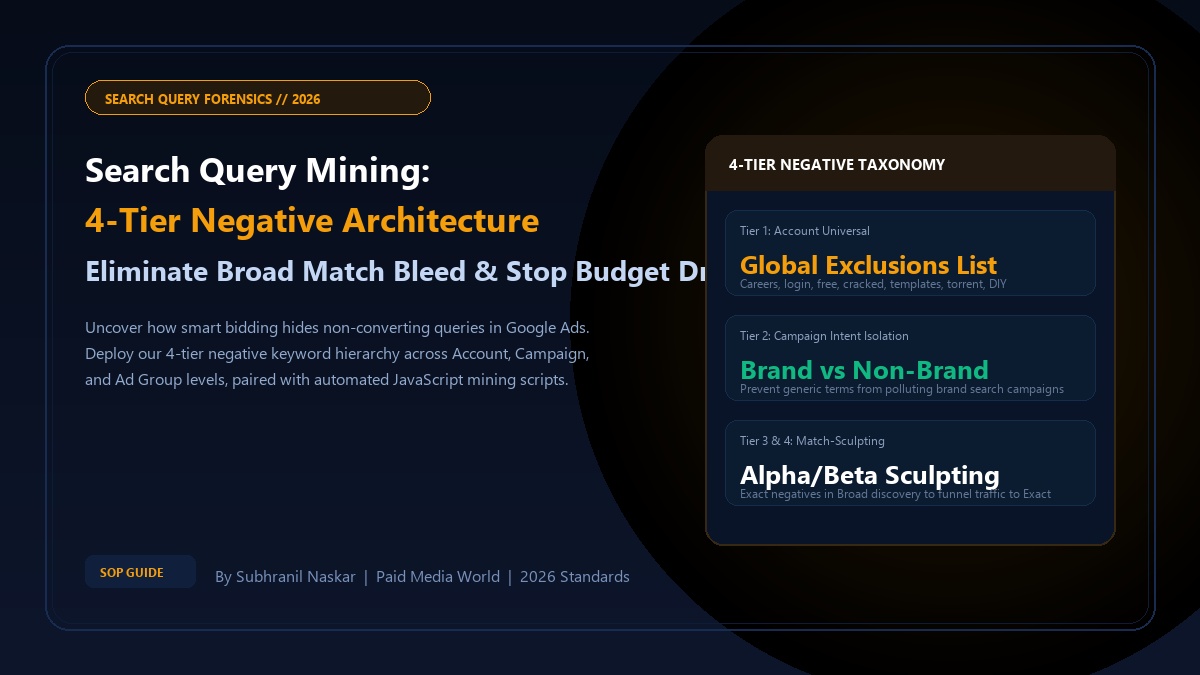
When Google introduced algorithmic broad match and began obscuring up to 25% of search terms behind the "Other Search Terms" privacy threshold, traditional PPC keyword management became obsolete. Today, relying on basic keyword lists without deterministic search query mining and multi-tiered negative isolation allows smart bidding algorithms to funnel 30% to 55% of your search budget into low-intent, irrelevant, and cannibalistic search queries. This master engineering guide details how to build an enterprise 4-tier negative keyword hierarchy and deploy automated JavaScript mining scripts to eliminate wasted spend forever.
- The Semantic Bleed Problem: Modern Google Ads Broad Match matches on "user intent" rather than syntax, causing specialized enterprise keywords to trigger consumer queries, career searches, and competitor research.
- The 4-Tier Negative Architecture: Segment negative keywords into four distinct operational layers: (1) Account-Level Universal, (2) Campaign-Level Intent Isolation, (3) Ad Group Sculpting, and (4) Match-Type Funneling.
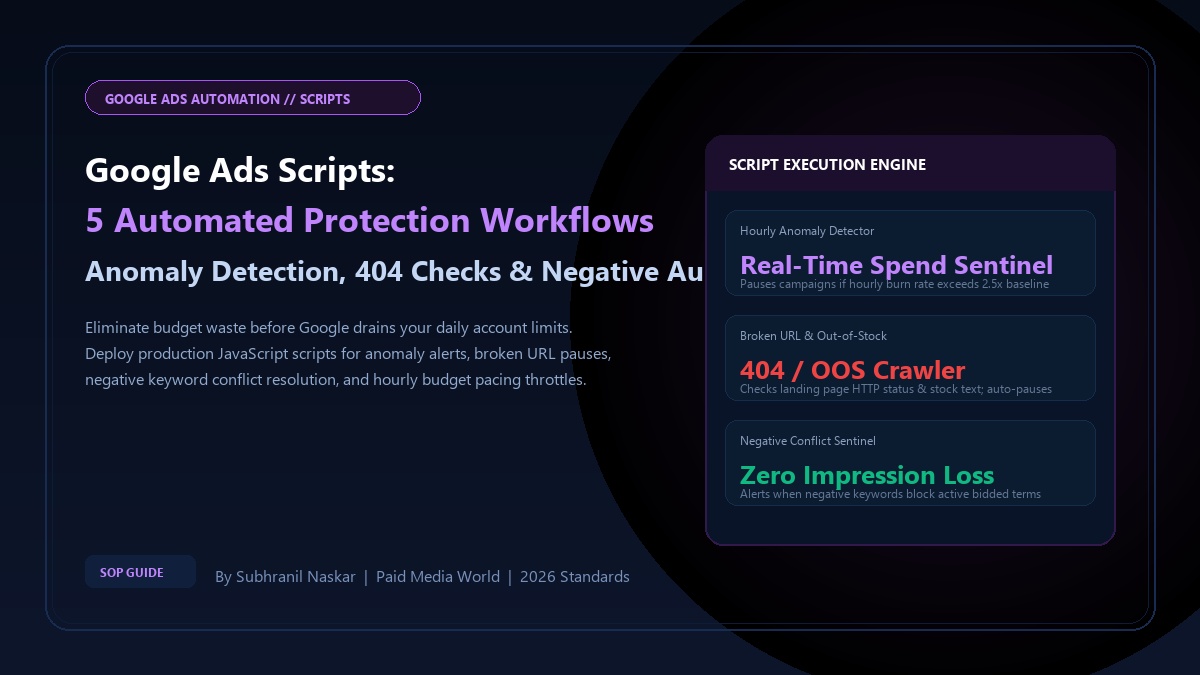
- Automated Query Forensics: Run automated Google Ads Scripts every 24 hours to flag search terms exceeding your threshold cost per acquisition without generating a conversion.
- Match Type Integrity: Always apply Exact Match negatives (
[term]) when blocking specific high-intent variants, and Broad Negatives (term) when blocking entire semantic concepts.
What is Search Query Mining in Google Ads?
Definition (AEO Direct Answer):
Search Query Mining is the systematic process of extracting, analyzing, and categorizing actual user search queries reported in Google Ads Search Terms reports to identify non-converting query patterns, harvest high-performing keyword opportunities, and deploy targeted negative keywords across structural account tiers to eliminate wasted media spend.
There is a critical distinction between a Keyword and a Search Query. A keyword is what you bid on in Google Ads (e.g., "b2b accounting software"). A search query is the exact string of words a real human types into Google (e.g., "free b2b accounting software open source cracked"). If you lack negative keyword guardrails, Google's smart bidding will match your commercial keyword with the zero-intent query, charging you full auction CPCs for a user looking for free software.
The 4-Tier Negative Keyword Architecture
Dumping negative keywords into a single ad group or haphazardly creating random lists leads to list collision, accidental traffic strangulation, and unmanageable account bloat. Enterprise accounts must deploy the 4-Tier Negative Keyword Taxonomy:
| Hierarchy Tier | Operational Scope | Target Query Types | Implementation Method |
|---|---|---|---|
| Tier 1: Account Universal | Global across all Search, Shopping, and PMax campaigns | Zero-intent commercial scrub: free, jobs, careers, login, templates, cracked, salary, internship, definition, pdf, torrent | Account-Level Negative List (Applied to all campaigns) |
| Tier 2: Campaign Intent Isolation | Applied across specific campaign clusters (Brand vs. Non-Brand) | Brand terms added as negative exact to non-brand campaigns; non-brand terms added to brand campaigns to prevent cannibalization | Campaign-Level Shared Lists (e.g., "Brand Negatives - Global") |
| Tier 3: Ad Group Service Isolation | Applied between ad groups within the same campaign | Cross-service terms (e.g., in an ad group bidding on "Cloud Migration", add "Cloud Storage" as a negative to force proper ad relevance) | Ad Group Level Negatives (Direct ad group assignment) |
| Tier 4: Match-Type Sculpting (Alpha/Beta) | Applied to Broad Match Discovery campaigns | Exact match winners (Alpha keywords) are added as Exact Negatives in the Broad campaign to funnel search volume strictly to Exact Match bids | Dynamic negative list synced weekly via script |
Tier 1: Master Universal Negative Keyword Master Bank
Every Google Ads account should immediately apply these universal negative root concepts as phrase match negatives across all prospecting campaigns:
"free"
"open source"
"torrent"
"crack"
"keygen"
"career"
"careers"
"intern"
"internship"
"job"
"jobs"
"salary"
"resume"
"glassdoor"
"indeed"
"login"
"portal"
"dashboard"
"support phone number"
"customer service"
"diy"
"how to make"
"wikipedia"
"youtube"
"template"
"templates free"
"download pdf"
Pro Tip: Format your negative keyword lists using our free Paid Media World Keyword Match Type Tool to instantly wrap hundreds of roots into bracketed exact or quoted phrase negatives without manual spreadsheet formatting.
Automated 24-Hour Negative Mining Script (Google Ads JavaScript)
Reviewing search terms manually inside the Google Ads UI is slow and labor-intensive. In large accounts spending \$1,000+ daily, thousands of long-tail queries spend \$5 to \$15 each without converting—cumulatively siphoning thousands of dollars. The following Google Ads Script automatically scans all Search campaigns every 24 hours, identifies non-converting search terms that exceed your CPA threshold, and adds them directly to a designated Account Negative List:
/**
 * Google Ads Automated Search Query Mining Script
 * Identifies high-spend, zero-conversion search terms and flags them.
 * Author: Subhranil Naskar | Paid Media World (2026)
 */
function main() {
  const SPEND_THRESHOLD = 35.00; // Maximum spend without a conversion before flagging
  const IMPRESSION_THRESHOLD = 20; // Minimum impressions to ensure statistical significance
  const TARGET_NEGATIVE_LIST_NAME = "Automated Zero-Conversion Negatives";

  // 1. Locate or verify target negative keyword list
  const listIterator = AdsApp.negativeKeywordLists()
    .withCondition("Name = '" + TARGET_NEGATIVE_LIST_NAME + "'")
    .get();

  if (!listIterator.hasNext()) {
    Logger.log("ERROR: Negative keyword list '" + TARGET_NEGATIVE_LIST_NAME + "' does not exist. Please create it in Shared Library.");
    return;
  }
  const negativeList = listIterator.next();

  // 2. Query search terms with zero conversions over the last 30 days
  const query = "SELECT search_term_view.search_term, metrics.cost_micros, metrics.impressions, metrics.conversions " +
                "FROM search_term_view " +
                "WHERE metrics.conversions = 0 " +
                "AND metrics.cost_micros > " + (SPEND_THRESHOLD * 1000000) + " " +
                "AND metrics.impressions >= " + IMPRESSION_THRESHOLD + " " +
                "AND segments.date DURING LAST_30_DAYS";

  const searchResults = AdsApp.search(query);
  let flaggedCount = 0;

  while (searchResults.hasNext()) {
    const row = searchResults.next();
    const searchTerm = row.searchTermView.searchTerm;
    const cost = (row.metrics.costMicros / 1000000).toFixed(2);
    const impressions = row.metrics.impressions;

    Logger.log("Flagging Wasted Term: '" + searchTerm + "' | Spend: $" + cost + " | Impressions: " + impressions);

    // Add as Exact Match Negative [searchTerm] to preserve adjacent variations
    negativeList.addNegativeKeyword("[" + searchTerm + "]");
    flaggedCount++;
  }

  Logger.log("Execution Complete: Added " + flaggedCount + " wasted search terms to " + TARGET_NEGATIVE_LIST_NAME);
}
Understanding Negative Match Type Mechanics
One of the most common mistakes performance marketers make is misunderstanding how match types function for negative keywords. Negative match types do NOT behave identically to positive match types:
| Negative Match Type | Syntax Example | How Google Evaluates It | Will Block Query | Will NOT Block Query |
|---|---|---|---|---|
| Negative Broad | running shoes |
Blocks if query contains all terms, in ANY order, without close variants. | "blue shoes for running" | "blue running shoe" (Singular close variant is NOT blocked!) |
| Negative Phrase | "running shoes" |
Blocks if query contains the exact words in the EXACT order. | "best running shoes for men" | "shoes for running" (Words are separated) |
| Negative Exact | [running shoes] |
Blocks ONLY if the query is word-for-word identical. | "running shoes" | "red running shoes" (Additional words bypass the negative) |
Crucial Insight: Negative keywords do NOT support close variants! If you add running shoe as a negative, Google will still show your ad for running shoes (plural) and runing shoe (misspelling). You must explicitly add singular, plural, and common misspelling variations when building negative lists.
Pair search query forensics with profit-based bidding and mega-catalog feed segmentation:
- Paid Media World Keyword Match Type Tool — Free online wrapper for exact, phrase, and negative lists.
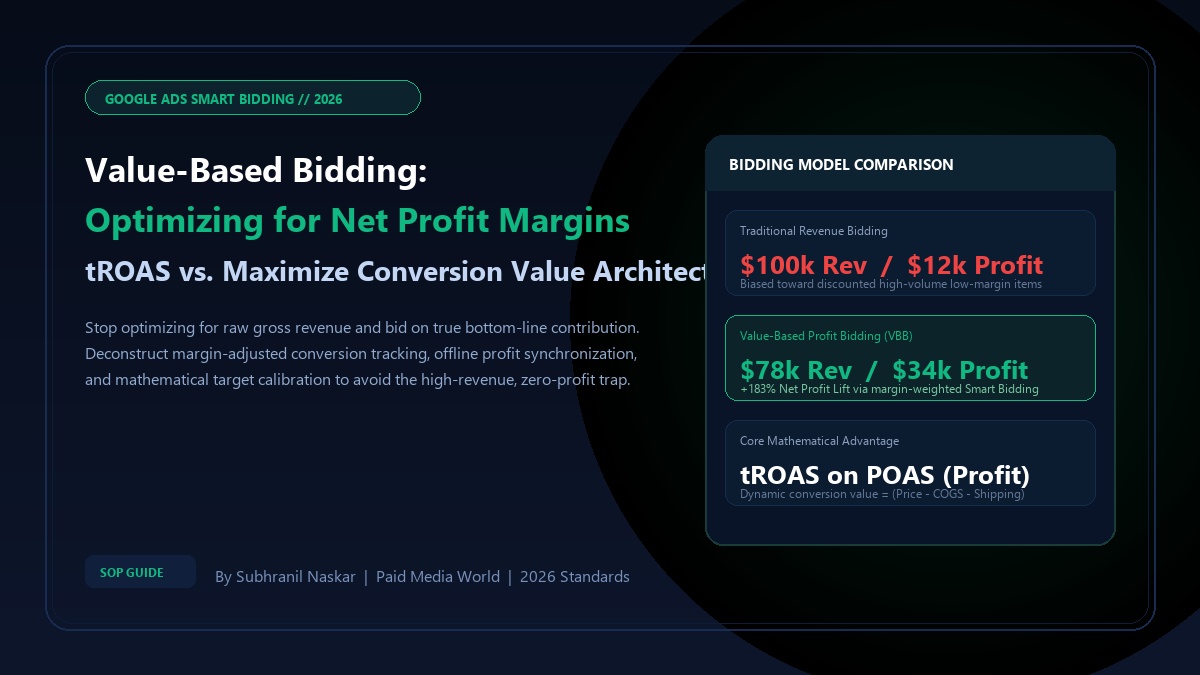
- Google Ads Value-Based Bidding: Profit Margins & tROAS — Bidding on net profit rather than gross revenue.
- Google PMax Custom Labels: Eliminate Zombie Products — Eliminating feed cannibalization in e-commerce.
- B2B SaaS Pipeline Without Ads: 4 Proven Organic Growth Pillars — High-converting organic demand capture.
Frequently Asked Questions (FAQ)
How often should search query mining be performed?
In accounts spending over $500 daily, automated scripts should scan queries daily, with human strategist audits conducted weekly. For smaller accounts spending under $150 daily, a bi-weekly 30-day search term review is sufficient to catch non-converting query patterns.
Why do negative keywords not block close variants?
Google deliberately designed negative keywords without close-variant expansion to prevent advertisers from unintentionally blocking high-converting commercial searches. You must manually include both singular and plural forms (e.g., both "free" and "frees", "review" and "reviews") in your negative keyword lists.
What is the difference between Account-Level and Campaign-Level negative lists?
Account-level negative keyword lists apply globally across every current and future campaign in your Google Ads account, including Performance Max, Search, and Shopping. Campaign-level lists only apply to specifically associated campaigns, making them ideal for brand vs non-brand intent isolation.
Can I add negative keywords to Google Performance Max campaigns?
Yes. You can add negative keywords to Performance Max either by creating an Account-Level Negative Keyword List (which automatically applies to PMax) or by submitting a support ticket to Google / using account brand exclusion lists to block your own brand terms from PMax search auctions.
Should I add non-converting competitor brand names as negatives?
Yes. If you run competitor conquesting campaigns and notice specific competitor names generate high clicks with zero pipeline contribution or demo bookings, add those specific competitor names as Exact Negatives. This preserves your budget for competitor terms that actually convert.