Paid Media World

How to Install Google Tag Manager on Shopify Checkout Extensibility: Complete Web Pixel Setup Guide (2026)

Complete production manual for deploying Google Tag Manager on Shopify Checkout Extensibility. Learn how to configure sandboxed Custom Web Pixels, bridge custom
SN
By Subhranil Naskar
|November 13, 2026|13 min read|Fact-Checked & Audited
Sponsored Technical Insights
shopify checkout extensibility google tag manager
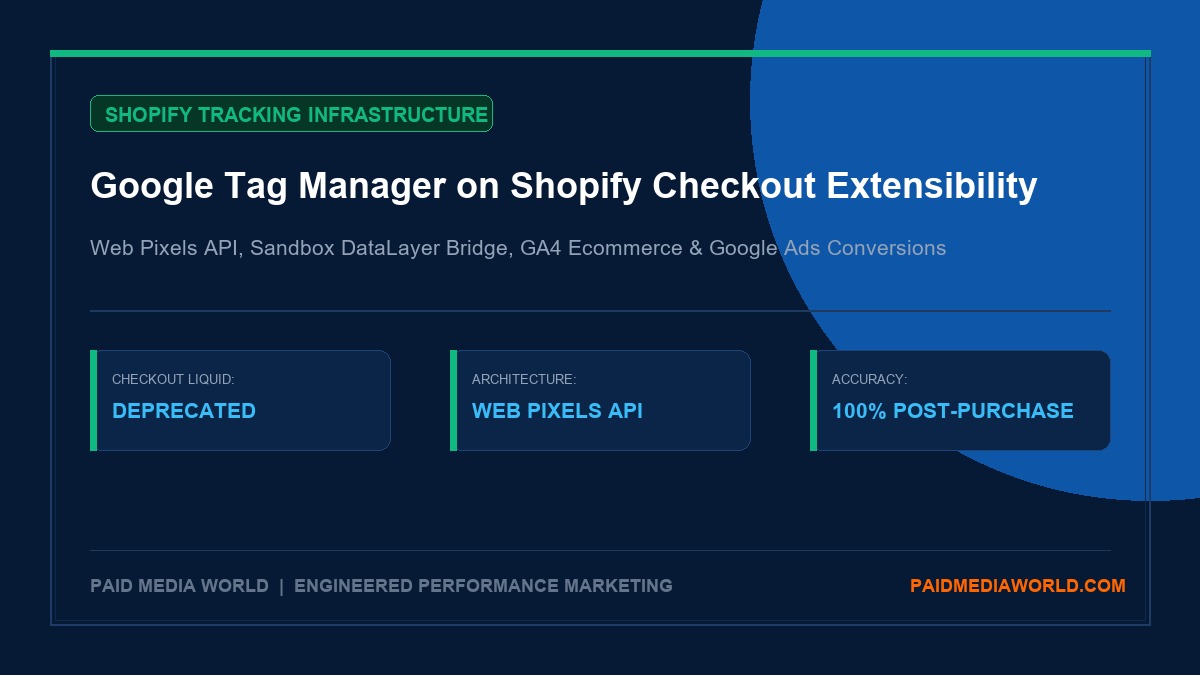
## The Death of checkout.liquid: Why Traditional GTM Broke on Shopify For over a decade, deploying Google Tag Manager (GTM) on Shopify was straightforward: developers pasted GTM container snippets into `theme.liquid` for the storefront and into **Settings > Checkout > Additional Scripts** or `checkout.liquid` (for Shopify Plus stores) to capture post-checkout conversions. With Shopify's complete deprecation of `checkout.liquid` for Information, Shipping, and Payment pages, followed by the retirement of **Additional Scripts** on the Thank You and Order Status pages, that legacy architecture is dead. Today, Shopify's modern checkout is governed entirely by **Checkout Extensibility**. Built on modern web standards and high-security isolation, Checkout Extensibility executes inside an isolated web worker and sandboxed iframe. This structural shift brings massive benefits for performance, server stability, and PCI-DSS compliance, but it introduces a severe tracking hurdle: > **The Sandboxed Execution Trap:** You can no longer inject third-party JavaScript directly into the checkout DOM. The global `window` object of the parent document is inaccessible, standard persistent `window.dataLayer` objects cannot be read across page transitions, and traditional GTM container tags pasted into your theme cannot see anything that happens beyond the initial cart page. If you attempt to paste standard GTM code snippets into Shopify's Checkout Extensibility UI, nothing fires. Even worse, if you rely solely on legacy apps that have not upgraded to Shopify's **Web Pixels API**, your acquisition channels—Google Ads, Meta Ads, TikTok Ads, and GA4—will experience a sudden 30% to 60% loss in reported purchase conversions and broken attribution. This enterprise guide provides the comprehensive, production-tested blueprint for installing and configuring **Google Tag Manager on Shopify Checkout Extensibility**. You will learn the dual-layer tracking architecture, discover the exact copy-paste Custom Web Pixel bridge script, map standard GA4 e-commerce payloads, enforce Google Consent Mode v2 inside the sandbox, and debug events without relying on broken Tag Assistant previews. --- ## Understanding the Dual-Layer Tracking Architecture To achieve 100% conversion accuracy across the entire customer lifecycle on Shopify, your analytics architecture must be split into two distinct operational environments: ``` +-----------------------------------------------------------------------------------+ | SHOPIFY STOREFRONT ENVIRONMENT | | - Pages: Homepage, Collections, Product Detail Pages (PDP), Cart Drawer | | - Execution: Unrestricted DOM / theme.liquid | | - GTM Container: Primary Client-Side GTM Script in and | | - Events: view_item, view_item_list, select_item, add_to_cart, view_cart | +-----------------------------------------------------------------------------------+ | [User Clicks "Check Out"] | v +-----------------------------------------------------------------------------------+ | SHOPIFY CHECKOUT EXTENSIBILITY ENVIRONMENT | | - Pages: Contact Info, Shipping Selection, Payment Method, Order Status (Thank You)| | - Execution: Sandboxed Web Worker / Customer Events API | | - Mechanism: Sandboxed Custom Web Pixel Loading GTM Container | | - Events: begin_checkout, add_shipping_info, add_payment_info, purchase | +-----------------------------------------------------------------------------------+ ``` ### Layer 1: The Storefront Container (`theme.liquid`) * **Scope**: All public browsing pages before the checkout URL. * **Mechanism**: Standard GTM container (`GTM-XXXXXXX`) loaded synchronously in the `` and `
SN

Subhranil Naskar

Founder & Lead Performance Strategist
Kolkata, West Bengal, India

Subhranil is the Founder and Lead Performance Strategist at Paid Media World. With over 10 years of practitioner experience managing high-budget performance marketing infrastructure across Google Ads, Meta Ads (CAPI), and GA4 event attribution, he personally architects and audits deterministic paid media infrastructure, algorithmic portfolio bidding, and enterprise conversion architecture.

Recommended Deep Dives

Related Playbooks & Further Reading

Explore All Playbooks
Sponsored Recommendations