
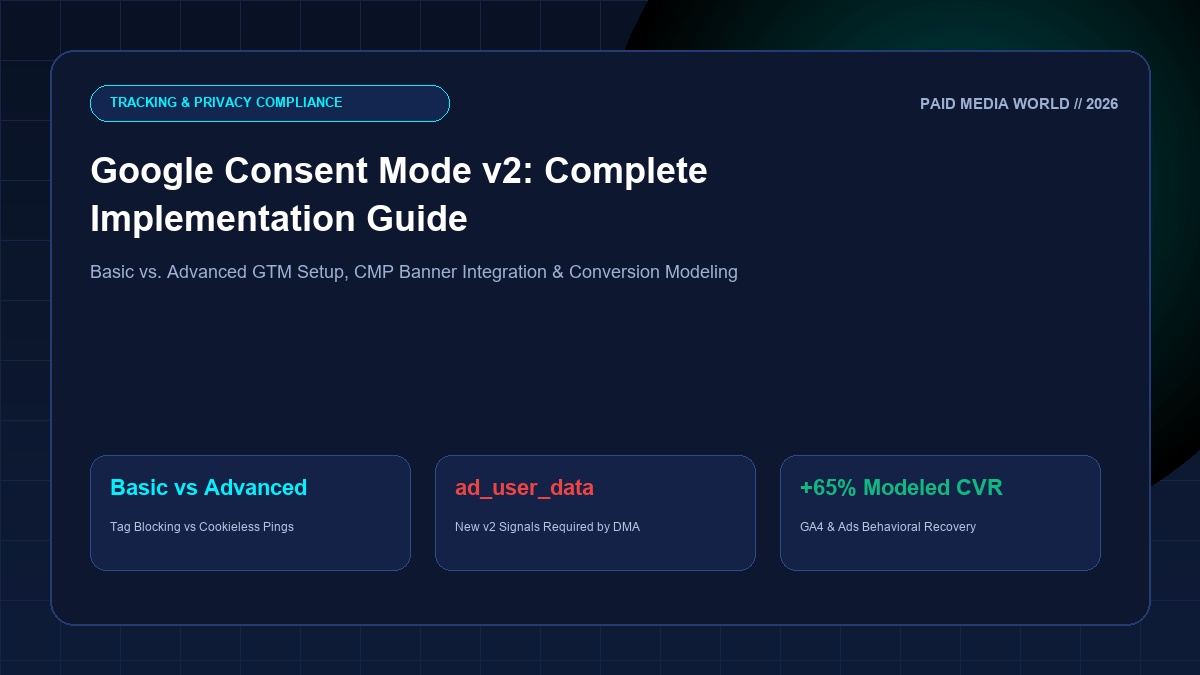
Under the European Union's Digital Markets Act (DMA) and expanding global data privacy mandates, standard client-side tracking pixels are no longer legally compliant without explicit user consent. To enforce compliance while safeguarding advertiser measurement, Google mandated Google Consent Mode v2. If your website attracts traffic from the European Economic Area (EEA), the UK, or privacy-regulated US states, failing to transmit verified v2 consent signals does not simply result in compliance warnings—it triggers the automatic suspension of your Google Ads remarketing audiences, Customer Match lists, and smart bidding algorithmic optimization.
Executive Summary: Basic vs. Advanced Consent Mode v2
Consent Mode v2 introduces two new mandatory parameters: ad_user_data and ad_personalization. Advertisers must choose between Basic Implementation (strict tag blocking until consent is granted) and Advanced Implementation (cookieless pings sent before consent, unlocking Google's AI behavioral conversion modeling).
1. What Changed in Consent Mode v2? The Four Core Consent Signals
In version 1, Consent Mode relied on two parameters: analytics_storage and ad_storage. Version 2 expands this by adding two critical DMA-mandated signals:
ad_storage: Authorizes storing and reading advertising cookies on the user's browser.analytics_storage: Authorizes analytics cookies for GA4 visit duration and pageview metrics.ad_user_data: (NEW in v2) Authorizes sending first-party user data (hashed email, phone, address via Enhanced Conversions) to Google for advertising measurement.ad_personalization: (NEW in v2) Authorizes using conversion events to serve remarketing ads and build Customer Match lookalike audiences.
If a user accepts cookies on your Consent Management Platform (CMP) banner, all four parameters are updated to granted. If the user rejects cookies, parameters remain denied.
2. How Google's Behavioral & Conversion Modeling Recovers Blind Spots
When Advanced Consent Mode is active and a user denies consent, Google tags do not read or write cookies. Instead, they transmit stateless, cookieless pings containing:
- Timestamp of interaction
- User-Agent (browser family, OS)
- Referrer URL and landing page path
- Ad-click identifiers (whether the user arrived via a GCLID)
- Consent state flags (indicating parameters are
denied)
Google's machine learning models analyze the observed conversion behavior of consenting users across similar devices, hours of the day, and geographies. It then mathematically reconstructs the unobserved conversion paths of non-consenting users. In GA4 and Google Ads reporting, these modeled conversions appear seamlessly, preventing your target CPA and target ROAS bidding models from drastically underbidding due to perceived conversion drops.
3. Step-by-Step Google Tag Manager (GTM) Implementation Protocol
Follow this standard operating procedure to deploy Consent Mode v2 using a Google-certified CMP (e.g., Cookiebot, OneTrust, Usercentrics, Axeptio):
Step 1: Set Default Consent State Before Any Tags Fire
Add the default consent initialization script at the highest possible point in your website's <head>, strictly before the Google Tag Manager container snippet:
window.dataLayer = window.dataLayer || [];
function gtag(){dataLayer.push(arguments);}
gtag('consent', 'default', {
'ad_storage': 'denied',
'analytics_storage': 'denied',
'ad_user_data': 'denied',
'ad_personalization': 'denied',
'wait_for_update': 500
});
gtag('set', 'ads_data_redaction', true);
gtag('set', 'url_passthrough', true);
</script>
Step 2: Install CMP Community Template in GTM
Navigate to GTM > Templates > Tag Templates > Search Gallery for your certified CMP (e.g. Cookiebot CMP). Create a tag using this template and configure the trigger as Consent Initialization - All Pages. This guarantees your consent framework resolves before any marketing or analytics tags execute.
Step 3: Enable Built-In Consent Checks
Google tags (Google Tag, Google Ads Conversion Tracking, GA4 Event tags) feature built-in consent checks. You do not need to configure complex blocking triggers; when ad_storage is denied, the tag automatically shifts into cookieless ping mode.
4. Verifying Consent State: Decoding the `gcd` Parameter
To verify that your website is transmitting compliant v2 signals:
- Open Chrome DevTools and navigate to the Network tab.
- Filter requests by
collect?v=2(GA4) orgoogleads.g.doubleclick.net. - Inspect the query string parameters for the
gcdvalue (Google Consent Directive). - A compliant string appears in this format:
11r1r1r1r5.p= Denied by defaultq= Denied by updater= Granted by update (User accepted cookies)m= Denied by default, not updated
Level Up Your First-Party Tracking Infrastructure
Safeguard your conversion signals against cookie degradation by pairing Consent Mode with our complete Server-Side GTM on AWS vs. Stape Guide, or implement enterprise offline tracking with our Value-Based Bidding and OCI Playbook.