
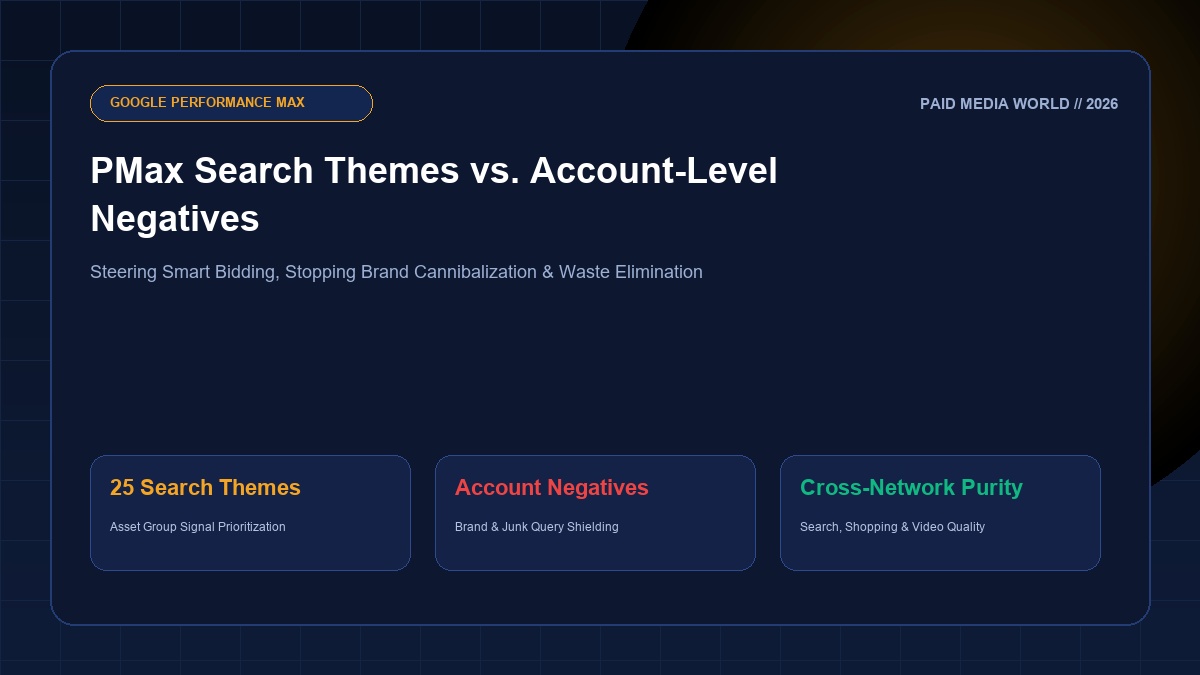
Google Performance Max (PMax) revolutionized automated cross-network media buying by unifying Search, YouTube, Display, Discover, Maps, and Shopping into a single Smart Bidding campaign. However, for growth marketers and media buyers, PMax's "black box" delivery often produces two severe structural headaches: untargeted query expansion into low-intent search terms, and the rampant cannibalization of high-converting branded search traffic. In 2026, steering PMax with precision requires mastering the interplay between Search Themes (positive algorithmic guidance) and Account-Level Negative Keywords (strict exclusionary guardrails).
Executive Summary: Search Themes vs. Account-Level Negatives
Search Themes tell PMax where to look by indicating customer search intent that Google's algorithm might not deduce from your landing page alone (up to 25 per asset group). Account-Level Negatives enforce absolute blocking across all search and shopping inventory, preventing PMax from inflating ROAS on existing brand searches or irrelevant junk queries.
1. What Are PMax Search Themes and How Do They Work?
When Google introduced Search Themes, they filled a critical operational void. Previously, PMax deduced target queries solely by crawling your landing page URLs, asset copy, and feed attributes. If your website was newly launched, sparse in content, or entering a brand-new product category, PMax wasted significant budget exploring irrelevant queries.
You can add up to 25 Search Themes per Asset Group. Crucially, Search Themes do not function like traditional exact or phrase match keywords. Google treats them as broad match semantic signals. They inform Google's algorithmic auction that searches sharing intent with your theme should be given high priority across Search inventory, YouTube search results, and Google Maps queries.
2. When and How to Deploy Search Themes
Search Themes should not be populated haphazardly with hundreds of random variations. Deploy them specifically under these four scenarios:
- New Product Launches: When your landing page has zero historical conversion data and your product name has low organic search footprint.
- Unindexed Landing Page Content: When your landing page uses heavy dynamic JavaScript, interactive configurators, or PDFs that Google's web crawler cannot fully parse.
- Seasonal Promotions: Injecting timely themes like "Black Friday enterprise software deals" or "holiday corporate gift baskets" ahead of peak shopping surges.
- Bridging Cross-Sell Niches: Indicating that your commercial accounting software also serves non-profit organizations or healthcare practices.
3. The Brand Cannibalization Threat: Why Account Negatives Are Mandatory
If you launch a PMax campaign without brand exclusions, Google will inevitably bid heavily on your brand keywords. Because users searching for your brand name convert at 8% to 15% with high ROAS, PMax claims credit for these easy conversions, making the campaign appear extraordinarily successful while delivering zero incremental business. Meanwhile, your dedicated Brand Search campaign suffers an impression share collapse.
To solve this, implement a two-tier brand defense:
- Apply a Brand Exclusion List to PMax: In PMax Campaign Settings > Additional Settings > Brand Exclusions, create a Brand List containing your brand name, common misspellings, and executive names. This ensures PMax does not serve Search or Shopping ads for branded queries.
- Build an Account-Level Negative Keyword List: Under Tools & Settings > Negative Keyword Lists, add broad and phrase negatives for generic junk terms (e.g. "free", "jobs", "salary", "login", "portal", "support phone number", "crack", "torrent"). Apply this list at the account level so it shields both Search and PMax simultaneously.
4. PMax Priority Rules: How Search Ads Interact with PMax
A common source of confusion among search marketers is auction precedence:
- Exact Match Search Ads Take 100% Precedence: If a user's search query is identical to an eligible Exact Match keyword in your standard Search campaigns, Google will always serve the Search Ad over Performance Max, regardless of Ad Rank.
- Phrase and Broad Match Compete on Ad Rank: If your search keyword is Phrase or Broad match, Google serves whichever ad has the higher Ad Rank. If PMax has stronger creative assets or a higher expected CTR, PMax will steal the impression from your search campaign.
This auction mechanic makes our Keyword Match Type Tool indispensable: by wrapping top-performing search queries into Exact Match [brackets] in your Search campaigns, you guarantee that high-intent traffic remains cleanly segmented inside your dedicated search ad groups.
Explore Companion Google Ads Guides
Learn how to deconstruct cross-network asset spend in our Google Demand Gen vs. Performance Max Guide, or optimize your product feed attributes in our Merchant Center Next Optimization Guide.