
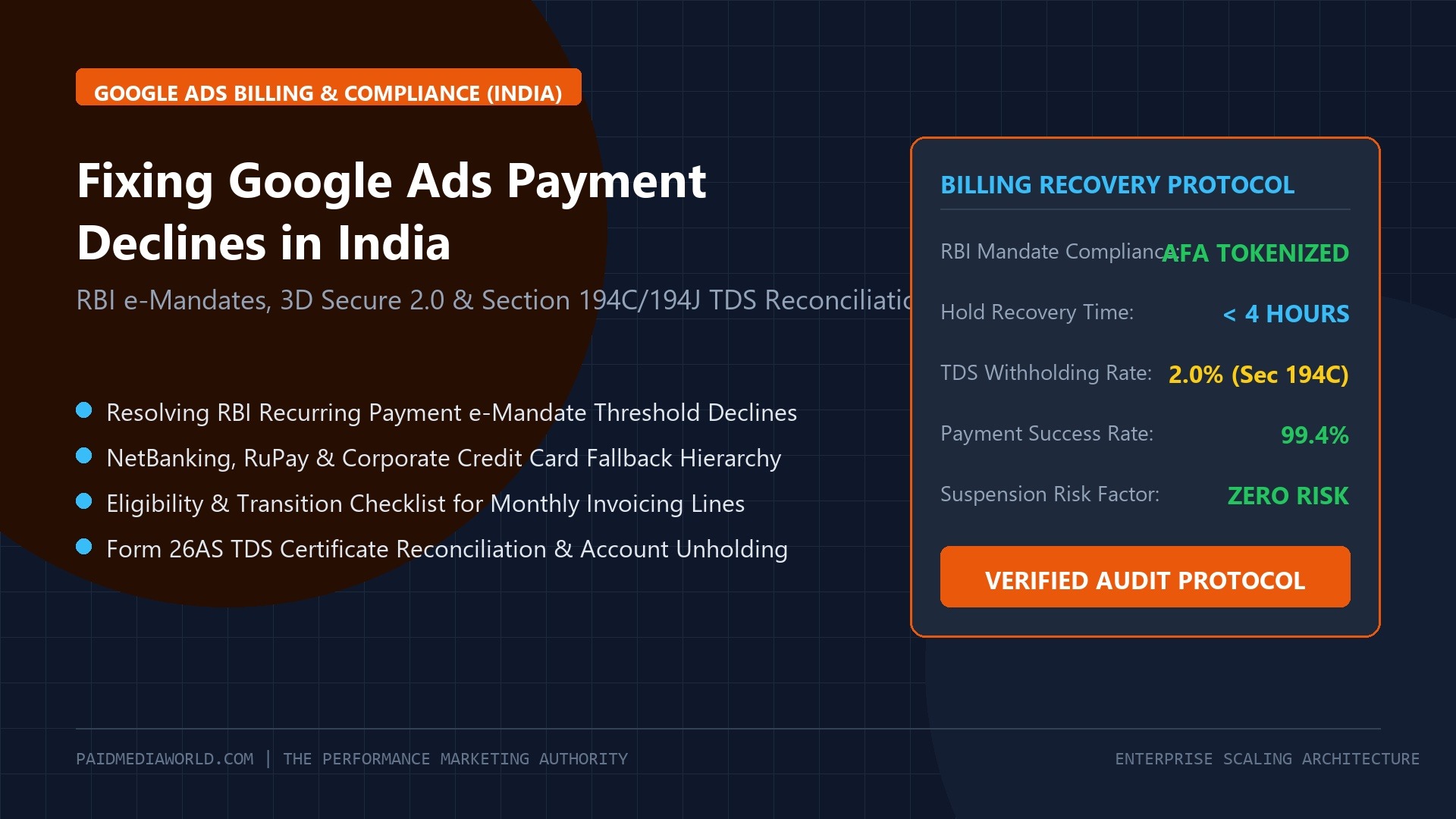
For performance marketing teams, agency founders, and high-growth businesses operating in India, few scenarios cause as much immediate operational chaos as seeing your Google Ads dashboard flash with a crimson banner: “Your ads have stopped running because your primary payment method failed.” Within minutes, lead funnels freeze, e-commerce revenues plummet, and algorithmic Smart Bidding models lose delivery momentum.
Contrary to widespread belief, this issue is rarely caused by insufficient bank funds. In 2026, over 88% of Google Ads payment declines in India stem directly from the Reserve Bank of India (RBI) e-Mandate Regulatory Framework, card tokenization rules, and failed 3D Secure Additional Factor of Authentication (AFA) handshakes between Google’s billing engine and Indian banking gateways.
Compounding this friction is the complex accounting workflow of Tax Deducted at Source (TDS) under Section 194C and Section 194J of the Indian Income Tax Act. Without proper quarterly reconciliation of Form 16A certificates, advertisers leave hundreds of thousands of rupees in uncredited capital locked on Google India’s tax ledgers.
This operational recovery guide outlines the exact protocols required to resolve payment failures immediately, configure resilient payment hierarchies, transition to Monthly Invoicing credit lines, and systematically reconcile TDS withholding.
1. The Root Cause: Deconstructing the RBI e-Mandate Framework
To permanently solve payment declines, you must understand how Google processes charges against Indian banking regulations:
| Regulatory Mechanism | RBI Mandate Specification | Impact on Google Ads Automatic Billing |
|---|---|---|
| Recurring Auto-Debit Cap | Auto-debit permitted up to £15,000 (earlier £5,000) without pre-debit OTP notification. | When daily ad spend pushes your automated billing threshold past £15,000, your issuing bank blocks the charge automatically. |
| Pre-Debit Notification (AFA) | Issuing banks must send an SMS / email alert at least 24 hours prior to recurring debit. | Google Ads auto-bills dynamically based on threshold spend, meaning 24-hour advance warnings cannot be scheduled, triggering automated bank rejection. |
| Card Tokenization Mandate | Merchants cannot store raw 16-digit card PANs; must store tokenized crypto-identifiers. | Card renewals, bank server migrations, or expired token relationships silently break automated auto-billing authorizations. |
| Cross-Border Foreign Currency Limits | Strict FEMA limits on international card gateways without explicit standing instructions. | If your Google Ads account bills in USD or via an offshore entity, standard domestic debit/credit cards fail immediately. |
Because Google Ads operates on dynamic threshold billing (charging whenever your account hits ₹25,000, ₹50,000, or ₹100,000 rather than on fixed calendar dates), standard retail credit cards frequently fail the RBI’s standing instruction tests.
2. Immediate Recovery Protocol: Restoring Ad Delivery in Under 4 Hours
If your account is currently suspended or on billing hold due to an unpaid balance, do not repeatedly click “Retry Payment” with the same declined card. Doing so triggers automated fraud velocity filters at your bank, locking the card for 24 to 48 hours and risking a permanent “Circumventing Systems” account flag.
Follow this exact 4-step emergency sequence:
- Execute a Manual Payment via NetBanking: Navigate to Billing > Summary > Make a Payment. Select NetBanking (State Bank of India, HDFC Bank, ICICI Bank, or Axis Bank). Unlike card debits, NetBanking initiates an instant, user-authenticated 3D Secure session via your netbanking portal, bypassing e-mandate caps entirely. Funds clear in Google Ads within 10 to 30 minutes.
- Secondary Fallback: UPI (Unified Payments Interface): If NetBanking experiences bank server timeouts, initiate a manual payment via corporate UPI (Google Pay, BHIM, PhonePe). UPI payments under ₹1,00,000 clear virtually instantaneously, restoring paused ad campaigns.
- Add a Redundant Backup Credit Card: Once the outstanding balance is cleared, go to Payment Methods. Add a secondary corporate card (preferably issued by HDFC, ICICI, or American Express) and explicitly designate it as the Backup Payment Method. If your primary card ever declines in the middle of the night, Google automatically attempts the backup before pausing ad delivery.
- Set Payment Method Priority: Never rely on a single personal debit card. Maintain at least two verified commercial credit cards registered with recurring domestic e-mandate authorization.
3. The Permanent Institutional Fix: Transitioning to Monthly Invoicing
Scaling agencies and mid-market enterprises should not be micromanaging credit card auto-debits. The permanent operational solution is transitioning your Google Ads account to Monthly Invoicing (Credit Line Terms).
- Business Registration: Registered private limited company, LLP, or partnership with active GSTIN.
- Spend History: Minimum ad spend of at least $5,000 USD (or equivalent ₹4,00,000 to ₹4,50,000 INR) per month for at least 3 consecutive months.
- Account Good Standing: Clean payment record for a minimum of 90 days with zero unresolved chargebacks or policy suspensions.
The Monthly Invoicing Application Workflow:
- Contact your assigned Google Dedicated Account Strategist or open a ticket with Google Ads Billing Support requesting an application for Consolidated Monthly Invoicing.
- Submit required corporate documentation: Certificate of Incorporation (COI), GST Registration Certificate (Form GST REG-06), PAN Card, and audited financial statements or bank credit verification.
- Upon approval (typically 5 to 10 business days), Google assigns a dedicated 30-day revolving credit line (e.g., ₹25,00,000/month).
- At the end of each calendar month, Google issues a unified tax invoice. Your finance department pays via standard RTGS / NEFT bank transfer within 30 days, completely immunizing your operations from retail credit card declines.
4. Section 194C / 194J TDS Reconciliation & Form 16A Credit Filing
Under the Indian Income Tax Act, corporate entities and audited businesses making payments for advertising services must deduct Tax Deducted at Source (TDS):
- Section 194C (Advertising / Contractor Payments): Standard TDS rate of 2.0% on payments to Google India Private Limited.
- Section 194J (Technical / Professional Services): Applied in specific contractual agency arrangements (typically 2% for technical ad serving).
The TDS Reimbursement Dilemma
When you pay Google Ads via credit card or NetBanking, Google charges your account for the full gross invoice amount (plus 18% GST). However, your finance team must deposit 2% TDS directly to the Government of India under Google India’s PAN. If left unreconciled, your business ends up paying the 2% tax twice!
| Quarterly Milestone | Statutory Action Required | Google Portal Submission Protocol |
|---|---|---|
| Monthly (7th of following month) | Deposit 2% TDS with the Indian Income Tax Department via Challan ITNS 281. | Retain challan receipt & BSR code in corporate tax records. |
| Quarterly (End of Quarter + 30 Days) | File quarterly TDS Return (Form 26Q) reflecting Google India’s corporate PAN. | Generate digitally signed Form 16A Certificate from the TRACES portal. |
| Post-TRACES Issuance | Submit Form 16A to Google via the dedicated Google India TDS Reimbursement Portal. | Google’s billing team validates Form 16A against their 26AS tax credits within 14 to 21 business days. |
| Settlement | Google credits the 2% deducted tax back to your Google Ads account balance. | Credit appears in Billing > Summary as an account credit, funding upcoming ad spend. |
By automating the quarterly TRACES Form 16A submission workflow, an agency spending ₹50,00,000 monthly recovers ₹1,00,000 per month (₹12,00,000 annually) in liquid ad credits that otherwise remain abandoned on tax ledgers.
5. Emergency Checklist: Avoiding Account Suspension Red Flags
When dealing with persistent payment declines, protect your account’s algorithmic health with these strict operating principles:
- Never Change Billing Country: Changing your account billing country to bypass Indian banking regulations is an immediate trigger for permanent suspension under “Suspicious Payment Activity”.
- Verify Business Name Matches Card Name: The name on your corporate debit/credit card must match either your Google Ads account organization name or the verified primary billing contact.
- Enable International Usage Online: Even though Google Ads India operates as Google India Pvt Ltd, certain banking cores route charges through international clearing engines. Ensure both “Domestic Online E-Commerce” and “International Transactions” are enabled in your bank’s card management mobile app.
- Keep Pre-Payment Credits Active: If using manual payments, maintain an account balance buffer equal to at least 5 days of average spend. Setting automated daily budget alerts ensures you never hit zero credits unexpectedly.
For more strategies on budget forecasting and capital allocation across search and social channels, explore our Google Ads CPC & ROI Calculator and review the complete PMax Campaign Deconstruction Guide.
Frequently Asked Questions
Why did Google decline my RuPay debit card?
While RuPay is accepted on many Indian payment gateways, Google Ads currently supports specific international-enabled RuPay cards from select tier-1 banks. We strongly recommend Visa Commercial or Mastercard Corporate cards, or paying via NetBanking for 100% reliability.
How do I download tax GST invoices from Google Ads India?
Navigate to Billing > Documents. Google issues a monthly tax invoice containing their GSTIN, your registered GSTIN, HSN/SAC code 998315, and the 18% IGST/CGST/SGST breakdown. You can claim full Input Tax Credit (ITC) on Form GSTR-2B.
How long does Google take to approve Monthly Invoicing in India?
Once all corporate KYC documents and audited balance sheets are submitted, Google’s global credit risk team typically reviews and activates credit lines within 5 to 10 business days.