
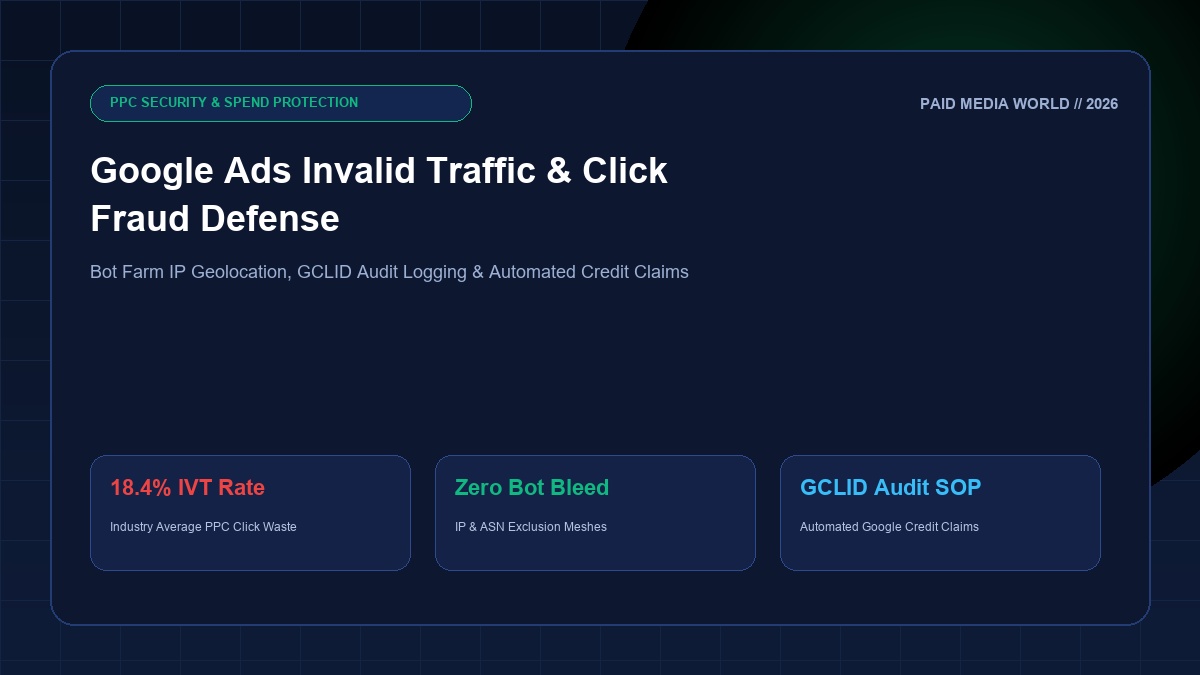
In hyper-competitive Google Search auctions—such as commercial law, emergency plumbing, roofing, B2B SaaS, and private equity—cost-per-click (CPC) frequently exceeds $40 to $150. In these high-stakes verticals, Invalid Traffic (IVT) and deliberate click fraud are not minor edge cases; they are multi-thousand-dollar monthly balance sheet leaks. Industry studies show that between 12% and 24% of all PPC clicks are generated by competitor scripts, VPN-spoofed scraper bots, and malicious publisher networks. If your agency is not actively auditing GCLID transaction logs and establishing automated fraud perimeters, you are subsidizing bot farms.
Executive Summary: General vs. Sophisticated Invalid Traffic (IVT)
Google automatically filters basic web crawlers via General Invalid Traffic (GIVT) filters. However, Sophisticated Invalid Traffic (SIVT)—involving headless Chromium browsers, residential proxy rotators, and human micro-task click workers—bypasses standard Google filters and bills your ad account in full unless actively disputed.
1. The Four Primary Attack Vectors of PPC Click Fraud
Understanding where fraudulent clicks originate is essential for applying surgical countermeasures:
- Malicious Competitor Drain: In hyper-local services (e.g. emergency locksmiths, water damage restoration), competing contractors configure automated scripts or hire low-cost overseas teams to click your ads every morning until your daily budget is exhausted, leaving them with an uncontested auction monopoly for the remainder of the business day.
- Display Network & AdSense Arbitrage: Fraudulent website publishers place Google Display or AdSense ads on auto-generated MFA (Made-For-Advertising) sites, driving programmatic bot traffic through the banners to collect revenue shares from Google at your expense.
- Performance Max Mobile Game Traps: Without explicit exclusions, Google PMax campaigns aggressively allocate budget to mobile gaming placements (e.g., kids games where users accidentally tap banners while trying to close full-screen popups). These generate 90%+ bounce rates and zero commercial pipeline.
- Scraper & Pricing Spy Bots: Competitors scraping your product prices or inventory via automated scrapers frequently click Search Ad links from SERP scraping tools rather than organic listings.
2. How to Detect SIVT in GA4, BigQuery & Server Logs
Standard Google Ads reporting masks individual user data. To identify fraudulent patterns, growth engineers inspect raw server access logs and GA4 BigQuery exports looking for these definitive red flags:
- GCLID Clustering: Multiple distinct clicks occurring within a 5-minute window sharing the exact same IP subnet or device fingerprint, but generating completely separate GCLIDs.
- Zero-Second Session Duration: Hundreds of paid clicks arriving from identical geographic coordinates with an
engagement_time_msec = 0in GA4. - Suspicious User-Agent Headers: Outdated browser versions (e.g., Chrome 98 on Windows 7) or headless browser signatures (e.g., missing WebGL vendor strings or
navigator.webdriver = true). - Datacenter ASN Traffic: Paid search clicks originating from known cloud providers (Amazon AWS, DigitalOcean, Microsoft Azure, OVH) rather than residential internet service providers (Comcast, Verizon, Jio, Airtel).
3. The 5-Layer Defensive Perimeter Playbook
Implement this defense protocol across every Google Ads account to eliminate click waste:
Layer 1: Strict Geographic Location Targeting
In Google Ads campaign settings under Location Options, Google defaults to Presence or interest: People in, regularly in, or who've shown interest in your targeted locations. This allows click farms in third-world countries who search "commercial roofing Chicago" to see and click your ad. You must change this setting to Presence: People in or regularly in your targeted locations immediately across all campaigns.
Layer 2: Account-Level Mobile App Placement Exclusions
Unless you are running a mobile app install campaign, mobile apps are notorious conversion killers. In Google Ads Manager:
Layer 3: IP Exclusion Meshes
Under campaign settings, add known bot subnets and rival headquarters IP addresses to the IP Exclusions table (supports up to 500 IPs per campaign, or CIDR blocks like 192.168.1.0/24).
Layer 4: Cloudflare WAF & Bot Management
Deploy a Cloudflare Web Application Firewall (WAF) rule on your landing pages: If incoming traffic has a ?gclid= parameter and a Cloudflare Bot Score < 20, trigger a silent Managed Challenge (JS challenge). Legitimate human searchers pass invisibly within 200ms; headless scraper bots fail and are stopped before firing your analytics tags.
4. How to File an Official Google Click Quality Refund Dispute
If you identify significant invalid traffic that Google failed to credit automatically, you can file a formal Google Ads Click Quality Investigation request:
- Export your web server logs containing timestamp (UTC), IP address, GCLID, and User-Agent for all suspicious clicks over the past 60 days.
- Navigate to the Google Ads Help Center and locate the Click Quality Inquiry Form.
- Provide your 10-digit Google Ads Customer ID, affected campaign names, and date ranges.
- Attach your GCLID audit spreadsheet demonstrating the high frequency of zero-second bounces from clustered IP subnets.
- Google's Click Quality team audits the logs. Upon approval, credits appear on your billing invoice as "Invalid Activity Adjustment".
Perform a Complete PPC Account Audit
Combine click fraud prevention with our comprehensive 40-Point Google Ads Audit Checklist and verify campaign economics with our Free PPC Account Audit Tool.