
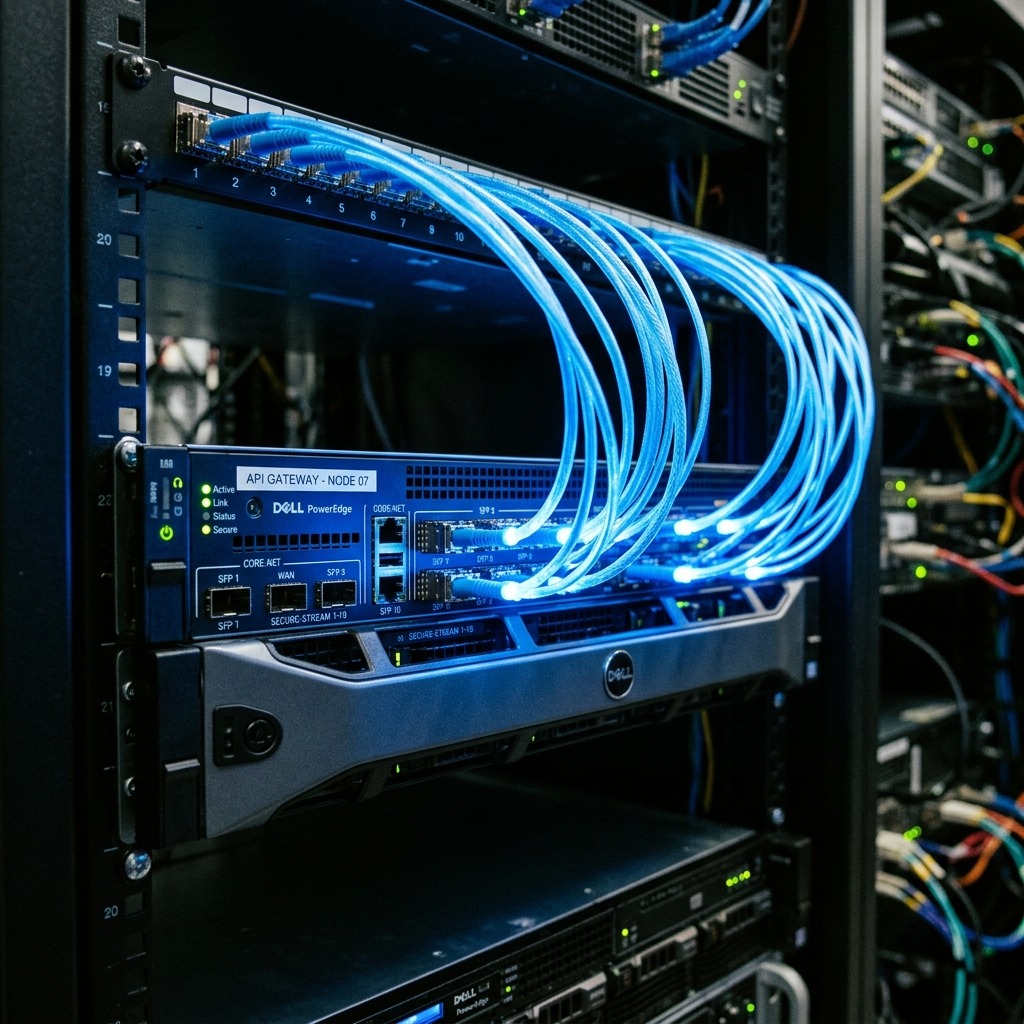
Browser-side tracking cookies are becoming obsolete. Browser privacy settings, ad-blockers, and mobile operating system restrictions block standard Meta pixel scripts, leading to missed conversion logs, higher CPAs, and inaccurate campaign reporting. To restore data integrity, advertisers must implement server-side tracking. The Facebook Conversion API (CAPI) Gateway allows you to build this server pipeline without writing code. To explore how server-side data aligns with your overall social ads strategy, consult our Ultimate Meta Ads Guide.
Table of Contents
- Why Server-Side Tracking Is Required
- What Is the Conversion API Gateway?
- Step-by-Step Gateway Setup Guide
- Configuring Deduplication & Match Quality
- Frequently Asked Questions
Why Server-Side Tracking Is Required
Standard pixel tracking relies on the user’s web browser to execute scripts and report conversions back to Meta. If a user runs an ad-blocker or browses on a privacy-first browser, the conversion event never registers. This data gap impairs Meta’s bidding algorithms, preventing them from identifying successful touchpoints and optimizing smart bids.
The Conversion API (CAPI) bypasses the browser entirely. When a customer purchases a product, your web server records the event and sends it directly to Meta’s database. This server-to-server connection ensures 100% data capture accuracy, stabilizing ad performance and lowering customer acquisition costs.
What Is the Conversion API Gateway?
Historically, setting up CAPI required extensive backend code or expensive Google Tag Manager server container hosting configurations. The Conversion API Gateway simplifies this process. It is a self-hosted cloud portal (typically deployed via Amazon Web Services) that automatically listens to your standard browser pixel events and replicates them as secure server events in real-time. It requires no code edits and takes less than 30 minutes to set up.
The Gateway deployment is managed automatically via your Meta Events Manager, building a dedicated AWS instance that handles data processing, encryption, and delivery to Meta.
Step-by-Step Gateway Setup Guide
To deploy the Facebook Conversion API Gateway, follow these technical configuration steps:
- Log into your Meta Events Manager and select the target Pixel ID.
- Click on the ‘Settings’ tab, scroll down to the Conversion API section, and select ‘Set up using Conversions API Gateway’.
- Choose your deployment method (Amazon Web Services is recommended for automated hosting).
- Authorize the Gateway builder to deploy the CloudFormation template inside your AWS account.
- Select a cheap EC2 instance size (t3.medium is standard for most e-commerce websites).
- Once deployed, configure a custom subdomain (e.g.
capi.paidmediaworld.com) to handle server cookies as first-party data.
Configuring Deduplication & Match Quality
Because the Conversion API replicates your browser pixel events, you must configure deduplication to prevent Meta from counting conversions twice. The Gateway handles this automatically by assigning matching event_id parameters to both browser and server events. When Meta receives both events with matching IDs, it keeps the browser event and discards the server duplicate, maintaining clean reporting metrics.
Additionally, maximize your **Event Quality Match Score** by passing customer data (email addresses, phone numbers, and user agents) securely. The Gateway encrypts this data before delivery, helping Meta associate conversions with active profiles and boosting overall attribution accuracy.
Frequently Asked Questions
How much does hosting the CAPI Gateway cost?
AWS hosting fees for the CAPI Gateway typically range from $10 to $20 per month, depending on traffic volume and server instance specifications.
Do I need to pause my browser pixel?
No. A dual tracking setup (browser pixel + server CAPI) is recommended. Meta requires both sources to deduplicate events and build complete customer profiles.
Can I use CAPI Gateway for multiple domains?
Yes, you can configure your Gateway admin panel to process events from multiple pixels and web domains inside a single AWS server instance.
Are you using server-side tracking to optimize your Meta campaigns? Leave a comment below with your experience setting up the CAPI Gateway, and share this guide with your web team!
AWS EC2 Instance Management & Server Logs Auditing
Running the CAPI Gateway via AWS requires periodic instance audits. Monitor your EC2 dashboard to track CPU utilization and memory usage. If your web traffic spikes during a holiday promotion, a small t3.medium instance may run out of memory, causing server events to fail. Set up automated CloudWatch alerts to notify your team when CPU utilization exceeds 80%.
Additionally, check your Gateway server logs weekly to identify connection failures or matching issues. Look for 400 Bad Request responses from Meta’s API endpoints, which usually indicate that customer event parameters are missing or improperly hashed. Fixing these log errors ensures uninterrupted data delivery.
Advanced First-Party Cookie Lifetime Configuration
Modern browser privacy updates (like Apple Safari ITP) restrict third-party cookie lifespans to 24 hours. To bypass these limits and track user journeys accurately over weeks, configure the Gateway as a first-party data handler. Map a custom subdomain (e.g. capi.paidmediaworld.com) to point directly to your AWS Gateway server IP using a DNS CNAME record.
This tells browsers that the conversion tracking cookies are set directly by your domain, extending cookie lifespans to 7 or 14 days. This extended window is required to capture long sales funnels, attribute conversions correctly, and feed accurate optimization metrics to Meta’s ad auction models.
Deduplication Mechanics and Event ID Syncing
For a dual-tracking setup to function correctly, both browser pixel events and server Conversion API events must carry identical identifiers. When a customer executes an action (e.g. AddToCart), both tracking scripts must generate the exact same event_id string (typically a timestamp paired with user ID).
Meta receives both records, matches the IDs, and discards the duplicate server log. If deduplication fails, events are counted twice, skewing your reporting charts and leading the bidding algorithm to optimize for duplicate conversions, ruining overall campaign efficiency.
Troubleshooting Event Match Quality Issues
If your Event Match Quality score on Meta Events Manager falls below ‘Good’, the ad auction model cannot attribute conversions to users accurately. This happens when your server does not pass enough matching parameters, such as client IP addresses, user agents, or hashed phone numbers. Check your Gateway configuration to verify these fields are enabled.
By updating your dataLayer scripts to capture and pass these variables securely, you improve matching accuracy, which feed Meta’s bidding models with clean conversion paths and lowers costs.
Validating Event Match Quality Scores
To verify if your Gateway connection is sending high-quality matching parameters, audit your Event Match Quality scores inside Meta Events Manager weekly. Look for parameter match indicators for email, client IP, user agent, and phone number parameters. A score above 6.0 is standard for solid attribution.
If parameters show low match rates, check your web form tracking configuration to confirm fields are mapped correctly and passing securely. This optimization helps Meta match conversion data to active user profiles, lowering overall ad costs.
In summary, the Facebook Conversion API Gateway represents the modern standard for server-side event tracking. By bypassing browser-side cookie limits, establishing first-party subdomains, and verifying event deduplication, performance marketing teams can restore data integrity and lower customer acquisition costs.
By maintaining a high match quality score and auditing server logs weekly, your Conversions API Gateway remains a reliable tracking foundation that protects your attribution models.
By establishing this final step in your tracking dashboard, your Conversions API Gateway captures all customer events and guarantees full attribution reporting.
By reviewing these trends and optimizing your assets daily, your video ads and bidding pipelines stay profitable, scaled, and highly successful across all placements.
Meta CAPI Gateway vs. Server-Side GTM Architecture
When selecting a server-side tracking architecture for Meta Ads, performance marketers evaluate Conversion API Gateway (CAPI Gateway) against custom server-side Google Tag Manager (sGTM):
- Meta CAPI Gateway: Zero-code automated cloud instance deployed via AWS EC2 or Stape. Auto-detects and forwards browser pixel events to Meta servers with zero tag configuration overhead.
- Server-Side GTM: Multi-platform routing hub capable of distributing conversion payloads simultaneously to Meta CAPI, Google Ads, GA4, TikTok, and LinkedIn APIs.
Implementing a dedicated CAPI Gateway eliminates third-party cookie loss, raising Meta Event Match Quality (EMQ) scores above 8.5/10.