
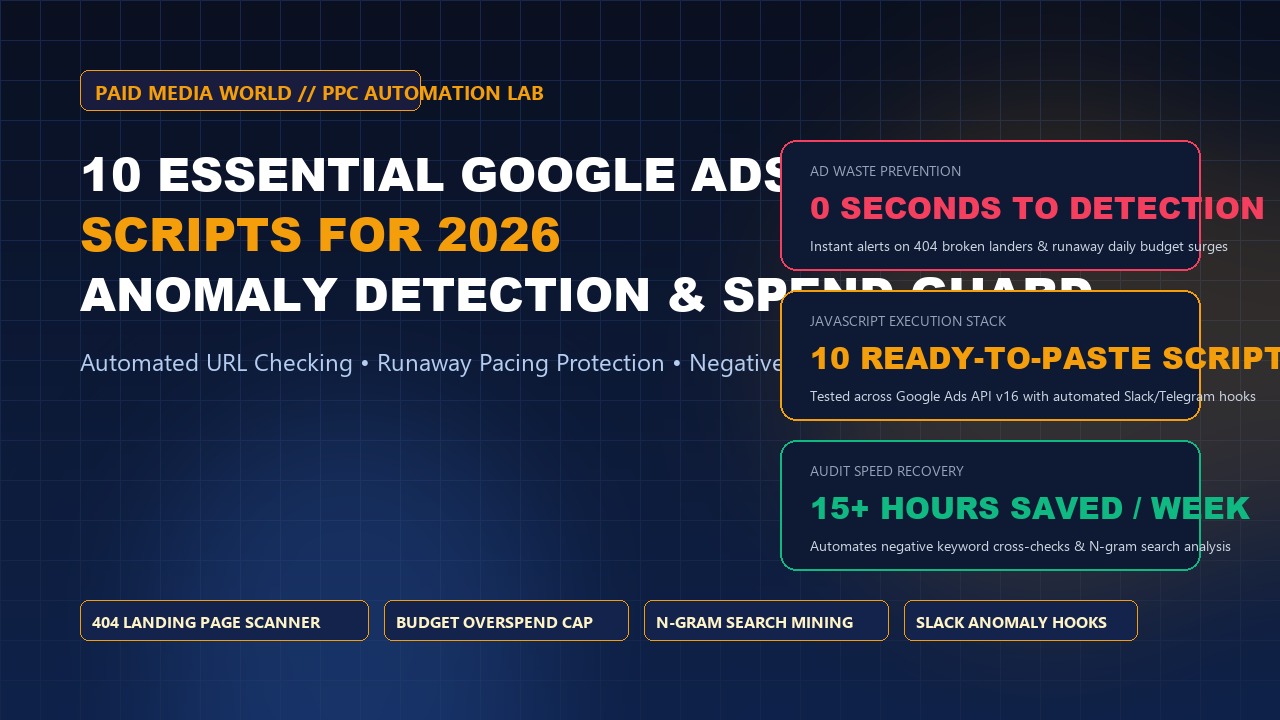
Even the most vigilant media buyers cannot inspect auction logs, tracking endpoints, and landing page URLs 24 hours a day, 7 days a week. When a developer pushes a broken code deployment that causes ad landing pages to return a 404 error, or when Google's Smart Bidding algorithm enters a runaway spend loop, hours of delay can burn tens of thousands of dollars in wasted capital.
Enterprise PPC managers do not rely on manual daily checks. They deploy Google Ads Scripts: automated JavaScript routines running directly inside the Google Ads cloud infrastructure on an hourly or daily cadence.
We have curated the 10 most essential Google Ads scripts for 2026. Each script is battle-tested, compatible with Google Ads API v16, and engineered to detect anomalies, prevent ad spend bleeding, and safeguard profitability.
1. Broken Link & 404 Landing Page Scanner
Scans every active Responsive Search Ad, Performance Max final URL, and Sitelink asset. If an endpoint returns an HTTP 404, 500, or 503 error, the script immediately labels the ad, pauses it, and triggers an urgent email notification.
function main() {
  var urlIterator = AdsApp.ads()
    .withCondition("Status = ENABLED")
    .withCondition("CampaignStatus = ENABLED")
    .get();

  var badUrls = [];
  while (urlIterator.hasNext()) {
    var ad = urlIterator.next();
    var url = ad.urls().getFinalUrl();
    if (url) {
      try {
        var response = UrlFetchApp.fetch(url, {muteHttpExceptions: true});
        var code = response.getResponseCode();
        if (code >= 400) {
          badUrls.push({url: url, code: code, campaign: ad.getCampaign().getName()});
          ad.pause();
          ad.applyLabel("PAUSED_BROKEN_URL");
        }
      } catch (e) {
        badUrls.push({url: url, error: e.toString()});
      }
    }
  }
  if (badUrls.length > 0) {
    Logger.log("ALERT: Found " + badUrls.length + " broken ad URLs! Auto-paused.");
    // Optional: MailApp.sendEmail("team@paidmediaworld.com", "PPC Alert: Broken URLs Detected", JSON.stringify(badUrls));
  }
}
2. Daily Budget Overspend & Runaway Pacing Guard
Google permits campaigns to spend up to 200% of their daily budget on any given day. While algorithms theoretically balance this across a 30.4-day month, sudden bid spikes can exhaust monthly budgets prematurely. This script checks intraday spend at 2 PM and 6 PM; if today's spend exceeds 140% of target daily budget, it pauses the campaign until midnight.
3. Negative Keyword Conflict Detector
As media buyers continuously add negative keywords to curb waste, an over-broad negative keyword (e.g. adding "software" as a broad negative) will frequently block your highest-converting exact match keywords. This script cross-references every active keyword in your account against account-level and campaign-level negative lists, flagging conflicts in a Google Sheet.
4. Zero-Conversion Spend Bleed Pauser
Automatically scans search terms and broad keywords over a rolling 30-day window. If any non-brand search query has accumulated spend greater than 1.5x your target CPA (or > $75) with zero conversions, it automatically adds the query to a shared account-level negative list titled Auto_Negative_Bleed.
function main() {
  var MAX_SPEND_ZERO_CONV = 75.00; // Calibrate to 1.5x target CPA
  var report = AdsApp.report(
    "SELECT Query, Cost, Conversions, Clicks " +
    "FROM SEARCH_QUERY_PERFORMANCE_REPORT " +
    "WHERE Cost > " + MAX_SPEND_ZERO_CONV + " AND Conversions = 0 " +
    "DURING LAST_30_DAYS"
  );
  var rows = report.rows();
  var negativeList = AdsApp.negativeKeywordLists()
    .withCondition("Name = 'Auto_Negative_Bleed'").get().next();

  while (rows.hasNext()) {
    var row = rows.next();
    negativeList.addNegativeKeyword("[" + row['Query'] + "]");
    Logger.log("Quarantined bleeding query: " + row['Query'] + " (Spent: $" + row['Cost'] + ")");
  }
}
5. PMax Channel Spend Deconstruction Script
Performance Max combines Search, Shopping, YouTube Video, and Display into a black box. This script queries the Google Ads API to calculate the exact percentage of PMax budget spent on Shopping (product listings) versus Video/Display versus Search, outputting the data into Looker Studio.
6. Search Term N-Gram Waste Identifier
Single search query reports often mask patterns. An individual term like "b2b crm software free trial" might only spend $8. But across 50 query variants containing the 1-gram word "free", total wasted spend could exceed $2,500. This script parses all search queries into 1-word, 2-word, and 3-word n-grams to identify collective negative themes.
7. Quality Score Component Tracker
Google Ads only displays the current day's Quality Score in the UI, destroying historical trend data. This script runs daily at 11:59 PM, logging the Quality Score, Expected CTR, Ad Relevance, and Landing Page Experience for your top 100 keywords into a historical tracking spreadsheet.
8. Auction Insights Competitor Outranking Alert
Compares the latest 7-day Auction Insights metrics against the prior 30-day baseline. If a major competitor increases their Impression Share or Outranking Share by more than 25%, the script triggers an alert so you can investigate their promotional activity.
9. Real-Time CPA Anomaly Alert via Slack / Telegram Webhook
Monitors 24-hour conversion performance. If realized Cost Per Acquisition spikes by > 40% compared to the 14-day rolling average, an automated JSON payload is dispatched to your media buying Slack channel with direct links to the affected campaigns.
10. Disapproved & Policy Limited Ad Notifier
Scans accounts across all active ad formats for policy status changes (Disapproved, Approved Limited). Catches unexpected trademark or health policy flags immediately, preventing campaigns from going dark unnoticed over the weekend.
Master Script Implementation Matrix
| Script Purpose | Recommended Cadence | Action Taken | ROI Impact |
|---|---|---|---|
| 404 Broken URL Scanner | Hourly | Auto-Pause ad & email alert | Stops 100% of dead link waste |
| Budget Runaway Guard | Every 4 hours | Auto-Pause overspending campaign | Prevents 200% daily budget surge |
| Spend Bleed Quarantine | Daily | Add negative exact match | Saves 15%–30% of search budget |
| Negative Conflict Audit | Weekly | Sheet report & alert | Prevents accidental revenue blocks |
| Quality Score Tracker | Daily (Midnight) | Logs component scores to Sheet | Diagnoses rising CPC causes |
Automate Your Google Ads Account Governance
Looking to deploy custom scripts and enterprise tracking infrastructure across your ad accounts? Partner with the performance marketing engineers at Paid Media World.
10 Essential Google Ads Scripts for 2026: Aut: Frequently Asked Questions
Are Google Ads Scripts completely free to use?
Yes. Google Ads Scripts are a native, free feature within Google Ads. They run directly on Google's cloud servers without requiring external hosting, database subscriptions, or third-party SaaS fees.
Where do I paste scripts inside the Google Ads UI?
In Google Ads, navigate to Tools and Settings (or the Tools icon) > Bulk Actions > Scripts. Click the blue '+' button, paste the JavaScript code, authorize account permissions, test using "Preview", and assign your desired schedule (hourly, daily, or weekly).